
Ethernet Adapter for FIRE Stick
4.4Editor score
Plug and play setup
Up to 100Mbps speed
Micro USB connection type
Compare the top 10 Ethernet Adapter for Fire TV Devices in October 2026 to find the best wired connectivity solutions for your streaming setup today.
Streaming devices often struggle with weak WiFi signals, causing buffering and lag during your favorite shows. An Ethernet Adapter for Fire TV Devices provides a stable wired connection to eliminate these issues.
We evaluated ten top-rated adapters based on compatibility, speed, build quality, and ease of setup. Our analysis ensures you find the perfect match for your specific Fire TV model and network needs.
Each pick highlights key features, pros, and cons to help you decide quickly. Note that availability and pricing may change, so check current listings before making your final purchase decision.
4.4Editor score

4.5Editor score

4.1Editor score
This side-by-side comparison highlights the key specifications and compatibility details of all ten top-rated Ethernet adapters for Fire TV devices.


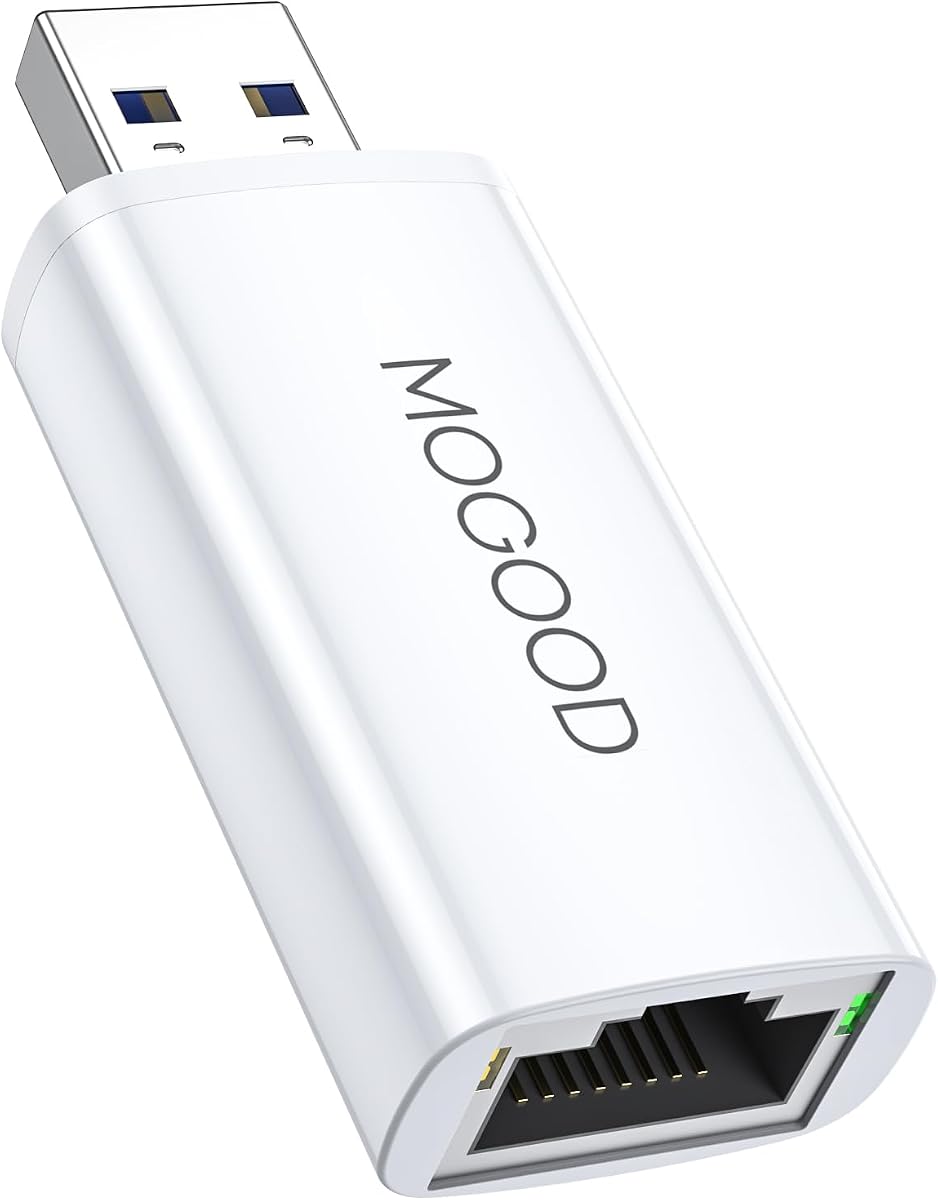
This Micro-USB Ethernet Adapter is highly rated for its reliable performance across a wide range of Amazon Fire TV devices. It transforms wireless streaming into a stable wired connection, ensuring smooth playback.
We may earn a commission when you buy through this link, at no additional cost to you.
Its standout quality is the broad compatibility with various Fire TV Stick generations and the Fire TV Cube. Users appreciate the straightforward setup process that requires no technical expertise or driver installations.
The main trade-off is that it does not work with newer USB-C models like the Fire TV Stick HD 2nd Gen. However, for older models, it offers a cost-effective and dependable networking solution.
It is ideal for users with older Fire TV sticks experiencing WiFi drops. We recommend this adapter for anyone seeking a simple upgrade to wired internet connectivity for their streaming setup.
It works with Fire TV Stick Lite, 4K, and Cube models, covering most users in the market.
Just plug it into the USB port and connect the Ethernet cable for instant activation.
We may earn a commission when you buy through this link, at no additional cost to you.
This adapter stands out as the most cost-effective way to hardwire your Fire Stick to the internet. It delivers a steady stream that minimizes the buffering common with weak WiFi signals.
We may earn a commission when you buy through this link, at no additional cost to you.
Its key strength is the simplicity of use; no drivers are needed, and it works instantly once connected. It is a practical solution for homes with older routers or congested wireless networks.
The limitation is the speed cap at 100Mbps and the requirement for Micro USB ports. While sufficient for most HD and 4K streaming, it lacks the gigabit speeds found in premium options.
Buyers on a tight budget looking for immediate buffering relief will find this perfect. It remains a top choice for basic streaming needs without breaking the bank.
Provides essential wired connectivity at a very low cost for budget-conscious streamers.
Adequate for standard HD and 4K content without needing gigabit speeds.
We may earn a commission when you buy through this link, at no additional cost to you.
The ELECTOP adapter is designed for users who demand maximum speed and stability. With its 1000Mbps capability, it ensures smooth gaming and video playback without latency issues.
We may earn a commission when you buy through this link, at no additional cost to you.
It features a premium aluminum body that helps dissipate heat during extended use. The included LED indicator and adhesive tapes add value by making setup and monitoring easier.
Despite its speed, it relies on Micro USB and may need extra power to function at full capacity. Some users also note it does not support certain VPN configurations.
For those wanting top-tier performance for gaming or large downloads, this is the top pick. It delivers the reliability needed for high-demand streaming scenarios.
Supports 1000Mbps for smooth video playback and gaming experiences.
Made of high-quality aluminum alloy for better heat dissipation and protection.
We may earn a commission when you buy through this link, at no additional cost to you.
This adapter is optimized to deliver a stable 100 Mbps wired connection for Fire TV Stick users. It focuses on removing the frustrating disconnects common with wireless setups.
We may earn a commission when you buy through this link, at no additional cost to you.
Its durable aluminum casing ensures longevity and heat resistance during marathon streaming sessions. The inclusion of self-adhesive tapes helps secure the adapter, avoiding loose connections.
Like many models, it does not support USB-C and might need a separate power cable for optimal function. However, for older sticks, it offers a solid upgrade path.
Users frustrated with intermittent drops should choose this model. It provides a seamless upgrade to wired connectivity for a better entertainment experience.
Transforms your streaming by delivering stable wired internet speeds.
Includes tapes to locate the adapter securely to avoid dangling cables.
We may earn a commission when you buy through this link, at no additional cost to you.
The ZEXMTE adapter is praised for its incredibly quick setup process that gets you streaming in minutes. It is designed to be user-friendly for all levels of tech experience.
We may earn a commission when you buy through this link, at no additional cost to you.
Its smart status lights provide instant visual confirmation of your connection, reducing troubleshooting time. The casing remains cool even after long hours, ensuring consistent performance.
While it caps at 100 Mbps, this is often sufficient for standard streaming needs. The trade-off of not supporting USB-C is standard for this specific connector type.
We recommend this for those who want a hassle-free and quick solution. It is a great choice for upgrading older devices to wired connectivity.
Just plug the adapter into the USB port and connect to router.
Smart status lights confirm your connection is live and kicking.
We may earn a commission when you buy through this link, at no additional cost to you.
This adapter offers exceptional value with high user satisfaction and straightforward functionality. It supports a wide range of TV sticks and promises instant activation.
We may earn a commission when you buy through this link, at no additional cost to you.
Its sturdy aluminum construction ensures it survives regular use without overheating. The LED indicator allows for quick checks on network status at a glance.
The limitation is strictly for Micro USB ports, meaning USB-C devices are excluded. However, for the vast majority of legacy devices, it works perfectly.
Buyers seeking a reliable and affordable way to improve connectivity will find this ideal. It is a solid investment for upgrading older streaming setups.
Users praise its reliability and ease of setup for Fire TV sticks.
Crafted from aluminum alloy for quick heat dissipation.
We may earn a commission when you buy through this link, at no additional cost to you.
The UGREEN adapter is known for its long power cable which provides flexibility in tight spaces. It allows you to power your device and network connection simultaneously.
We may earn a commission when you buy through this link, at no additional cost to you.
It offers a stable 100 Mbps connection that ensures smooth video playback without interruptions. The long cable design is particularly helpful for TVs with limited rear access.
While it lacks support for USB-C, it remains a versatile choice for many popular streaming devices. It requires a wall charger for power but avoids extra clutter.
This adapter is perfect for users dealing with placement challenges behind the TV. It delivers reliable performance and convenience in equal measure.
Features a 3.3 ft long cable to help with little wiggle room.
USB-A power cord powers the adapter and TV Stick at same time.
We may earn a commission when you buy through this link, at no additional cost to you.
This adapter claims to offer high-speed data transmission, potentially exceeding standard Fast Ethernet limits. It is designed for a stable wired connection to eliminate wireless buffering.
We may earn a commission when you buy through this link, at no additional cost to you.
Its convenient 3-foot power cable makes it easy to connect to a wall charger or TV port. Users appreciate the hassle-free setup that requires no drivers or software.
The adapter is versatile, working with Chromecast and Google Home Mini. However, the actual speed may depend on your network and device limits.
Choose this if you need a reliable adapter that supports multiple streaming devices. It provides a solid solution for improving connection reliability.
Supports up to 300+Mbps offering faster connection than wireless.
Compatible with streaming sticks and smart speakers.
We may earn a commission when you buy through this link, at no additional cost to you.
This is a specialized solution for the newest Fire TV Stick HD with USB-C connectivity. Its right angle design saves space and prevents cable strain.
We may earn a commission when you buy through this link, at no additional cost to you.
It supports up to 480mbps, which is sufficient for HD streaming. The modern USB-C connector ensures compatibility with the latest hardware revisions.
However, it is incompatible with older Micro USB devices. Buyers must check their exact stick model before purchasing to ensure a proper fit.
It is the ideal choice for those with the newest 2nd Gen Fire TV Stick HD. It solves the connectivity gap for modern streaming hardware.
Compatible with Fire TV Stick HD 2nd Gen with USB-C.
Right angle design reduces strain and improves port access.
We may earn a commission when you buy through this link, at no additional cost to you.
This adapter delivers gigabit speeds for Fire TV Cube and other USB 3.0 compatible devices. It offers a reliable network link without relying on WiFi for streaming.
We may earn a commission when you buy through this link, at no additional cost to you.
Its design allows for fast data transmission suitable for gaming and online calls. The sturdy build ensures it lasts for daily use across multiple devices.
It requires a USB 3.0 port which limits its use with older sticks. However, for Cube users needing high bandwidth, it is a top contender.
We recommend it for Fire TV Cube owners seeking maximum performance. It provides the speed and stability needed for heavy usage.
Delivers up to 1000 Mbps for fast and stable internet.
Works with Fire TV Cube and laptops for wired connectivity.
We may earn a commission when you buy through this link, at no additional cost to you.
Choosing the right Ethernet adapter requires understanding your specific Fire TV model and connection needs to ensure optimal performance.
The most critical factor is matching the adapter to your device's port. Older models use Micro USB while newer ones use USB-C. Verify your port type before purchasing.
Always check your Fire TV model's specifications to confirm whether it uses Micro USB or USB-C for power and data.
Consider the speed your streaming needs. Most standard adapters offer 100Mbps which is enough for 4K. High-performance units offer Gigabit speeds for gaming.
Choose a speed that matches your internet plan to avoid bottlenecks during streaming.
Look for adapters with metal casings for better heat dissipation. Aluminum bodies stay cool during long viewing sessions ensuring reliability.
Durable materials extend the lifespan of the adapter and prevent overheating.
Select an adapter that supports plug and play functionality. It should require no drivers or complex configurations to work.
A simple setup ensures you can start streaming immediately without technical delays.
Some adapters require extra power via a wall adapter. Ensure your device can supply enough power through the USB port.
Check if the adapter includes a power cable or requires a separate power source.
Measure the distance to your router. Longer cables provide flexibility for placement but may increase clutter.
Ensure the included cable is long enough to reach your router comfortably.
Prices vary from budget to premium. Determine your needs to find an adapter that fits your budget without unnecessary features.
Balance cost with performance to get the best value for your setup.
Buy from reputable brands known for quality networking gear. Established brands offer better customer support and reliability.
Read reviews to ensure the brand has a history of good performance.
To use the adapter, connect it to the USB port on your Fire TV device. Ensure the device is powered off or disconnected from the TV.
Plug an Ethernet cable into the adapter and connect the other end to your router. Power your Fire TV device back on.
Keep the adapter in a well-ventilated area to prevent overheating. Avoid placing it under heavy objects or in tight spaces.
Yes, it can significantly improve streaming by reducing buffering and lag. It provides a stable connection that avoids WiFi interference.
Most adapters do not require drivers. They use plug and play technology to connect automatically.
No, you need a USB-C specific adapter for newer devices. Standard Micro USB adapters will not work with them.
100Mbps is enough for standard streaming. 1000Mbps offers faster speeds for gaming and high-quality content.
Some adapters require a separate power source. Check the product details to see if one is included or needed.
Many adapters are compatible with various devices like Chromecast. Always check the compatibility list before buying.
We have reviewed the top options to help you find the best Ethernet Adapter for Fire TV Devices for your needs.
Prioritize compatibility with your device's port type and the speed required for your internet plan.
Remember to check current pricing and availability before making your purchase decision.