
GIGABYTE GeForce RTX 3050 WINDFORCE OC V2 6G
4.6Editor score
2X WINDFORCE Fans
6GB GDDR6 Memory
Low Power Draw
Discover the top Linux graphics cards for 2026. This guide compares performance, driver support, and compatibility to help you choose the right GPU for your
Choosing the right graphics card for Linux can be challenging due to varying driver support and open source compatibility. This guide helps you navigate the options available for desktop and workstation use.
We evaluated ten top GPUs based on their performance, community support, and ability to handle modern workloads under the Linux kernel. Each product was selected for its reliability and feature set.
Each pick includes detailed specs, pros, cons, and real-world usage scenarios to help you decide. Prices fluctuate frequently, so always check the current listing before making a final purchase decision.
4.6Editor score

4.7Editor score

3.9Editor score
The following table provides a side-by-side comparison of all ten graphics cards featured in this guide. It highlights key specifications and features to help you quickly identify the right card for your specific Linux environment and workflow requirements.




This ASUS dual GeForce RTX 3050 delivers a balanced mix of performance and compatibility that makes it ideal for Linux users. With its 6GB GDDR6 memory and NVIDIA Ampere architecture, it handles modern workloads effectively while maintaining strong support under the open-source kernel.
We may earn a commission when you buy through this link, at no additional cost to you.
Its standout features include the Axial-tech fan design, which ensures quiet operation even under load. The card includes 2nd generation RT cores and 3rd generation Tensor cores, enabling AI acceleration and ray tracing without excessive power draw. Linux users benefit from mature drivers that ensure smooth rendering and compute tasks.
While the 6GB memory limits its use for heavy AI training, it is more than enough for general graphics acceleration and moderate workstation tasks. The 2-slot design fits well into small chassis, making it versatile for various builds.
This card is best suited for users seeking a reliable GPU that supports modern APIs like Vulkan and OpenGL. If you need ray tracing or AI features on Linux, this is a solid choice that balances cost and capability.
The NVIDIA Ampere architecture enjoys mature support in the Linux kernel, ensuring plug-and-play functionality without needing proprietary drivers for basic tasks.
Axial-tech fans provide better cooling efficiency with less noise, which is critical for quiet workstations and small form-factor Linux PCs.
We may earn a commission when you buy through this link, at no additional cost to you.
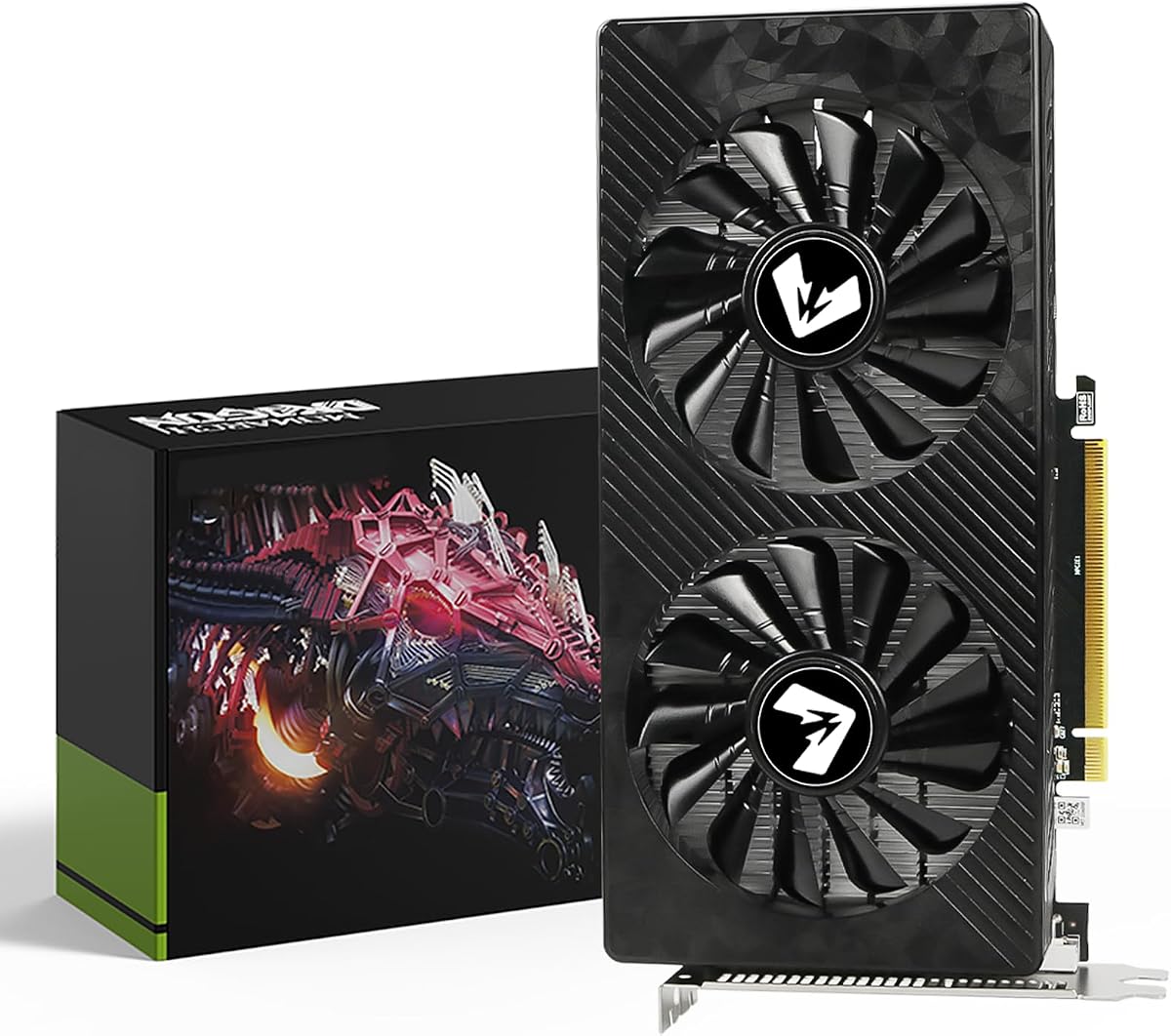
The GIGABYTE GeForce RTX 3050 WINDFORCE OC V2 is a budget-friendly option that doesn't compromise on Linux compatibility. It features 6GB GDDR6 memory and the same Ampere architecture as more expensive cards, providing solid performance for everyday tasks.
We may earn a commission when you buy through this link, at no additional cost to you.
Its WINDFORCE cooling system with 2X fans keeps temperatures low, ensuring stability during extended use. The card integrates 2nd gen RT Cores and 3rd gen Tensor cores, offering AI capabilities that are useful for content creation on Linux.
While it lacks the VRAM of higher-end models, it is sufficient for most users. The 2-slot design ensures it fits in most cases, and its low power draw means you don't need a massive power supply.
This card is perfect for users on a budget who still want modern features. If you need ray tracing or AI acceleration for a Linux system without breaking the bank, this is a top choice.
The dual fan setup provides efficient heat dissipation, keeping the card quiet and cool even during demanding rendering tasks.
Designed to run efficiently on standard power supplies, this card makes upgrading older Linux systems easy without hardware overhauls.
We may earn a commission when you buy through this link, at no additional cost to you.
The ASRock Intel Arc Pro B60 is a workstation-grade GPU built for demanding Linux users. With 24GB of GDDR6 memory, it excels in tasks like LLM inference, 3D rendering, and generative design where memory is critical.
We may earn a commission when you buy through this link, at no additional cost to you.
It utilizes Intel's Xe2-HPG architecture, offering dedicated AI acceleration and support for multi-GPU scaling on Linux. The card is ISV certified, ensuring stability for professional software and development tools commonly used on Linux.
While the rating is slightly lower due to being a newer product, its features are unmatched in this category. It supports four 8K displays simultaneously, making it ideal for expansive multi-monitor workflows.
This card is for professionals needing massive memory and AI capabilities on Linux. If you are building a high-end workstation for AI or rendering, this is the premium choice.
The massive memory pool allows for running large models and complex scenes without slowdowns, a key advantage for Linux developers.
Optimized for scaling performance across multiple cards, this GPU enables powerful clusters for AI inference and rendering farms.
We may earn a commission when you buy through this link, at no additional cost to you.
The PNY NVIDIA T1000 is designed for professional environments requiring stability and high display performance. It runs on the Turing architecture and offers more than 50% performance gains over previous generations, making it ideal for CAD and visualization.
We may earn a commission when you buy through this link, at no additional cost to you.
Its support for up to four 5K displays is excellent for engineers and designers who need extensive screen real estate. The card includes dedicated encode and decode engines for video playback, independent of the graphics pipeline.
While it is not meant for gaming, its ISV certification ensures that professional applications run smoothly on Linux. It ensures hardware compatibility with the latest standards like Vulkan and OpenGL.
This card is perfect for workstations needing reliable multi-monitor support. If you are a professional using design software on Linux, the T1000 is a trusted choice.
Certified with over 100 professional software applications, ensuring stability and performance for engineering and design workflows.
Dedicated encode and decode engines ensure smooth video playback without impacting graphics performance during design tasks.
We may earn a commission when you buy through this link, at no additional cost to you.
The GT 740 4GB GDDR5 is a versatile card for basic tasks and multi-monitor setups. Its four HDMI ports allow seamless quad-monitor configurations, making it ideal for office or trading environments running Linux.
We may earn a commission when you buy through this link, at no additional cost to you.
It features a silent fan and efficient cooling, fitting well into small cases. The low-profile design with both brackets makes it easy to install in slim desktops without modifying the chassis.
While it handles 1080P playback and daily tasks well, it is not suited for modern gaming or heavy rendering. It offers reliable driver support for Linux, ensuring stable performance.
This card is best for users needing simple display output. If you are setting up an office Linux box or media PC, this is a practical and affordable option.
Four built-in HDMI ports enable direct connection to multiple displays without adapters, simplifying workstation setups.
Engineered for noise-sensitive environments, the cooling system ensures near-silent operation during typical use.
We may earn a commission when you buy through this link, at no additional cost to you.
The SOYO GeForce GT 740 is a budget-friendly solution for reviving older PCs running Linux. With 4GB DDR3 memory, it provides smooth 1080P video and lag-free office multitasking.
We may earn a commission when you buy through this link, at no additional cost to you.
Its triple display versatility with HDMI, DVI, and VGA ports allows connections to modern and legacy monitors without adapters. The card draws power directly from the PCIe slot, simplifying installation.
Designed with a quiet cooling fan, it maintains stable temperatures during extended use. While not powerful for gaming, it supports OpenGL 4.6 and PhysX for basic tasks.
This card is ideal for upgrading older systems to Linux. If you need a reliable, affordable GPU for basic desktop use, this is a solid pick.
Triple output ports including VGA support legacy monitors, making it a great bridge between old and new systems.
No external power connectors are required, allowing for quick installation in systems with limited power supplies.
We may earn a commission when you buy through this link, at no additional cost to you.
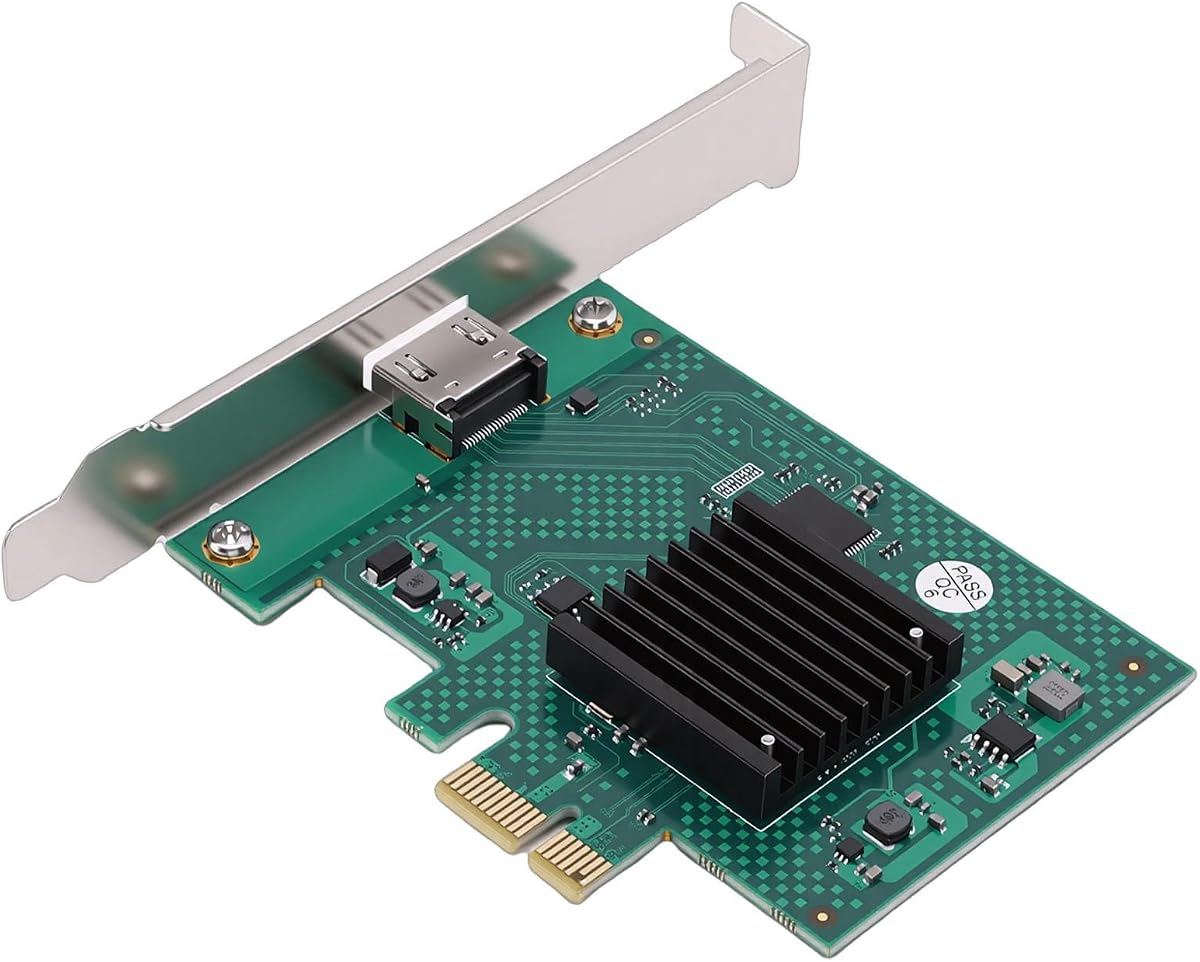
The Gugxiom PCIe x1 SM750 is designed for industrial applications where reliability is key. It supports a wide operating temperature range and features robust 2D graphics acceleration for demanding environments.
We may earn a commission when you buy through this link, at no additional cost to you.
Its ability to rotate screen images quickly enhances versatility for kiosks or POS systems. The card supports video display layers and is built for harsh conditions.
While it has a single HDMI port, this is sufficient for many industrial setups. The design ensures stable performance across diverse fields with minimal maintenance.
This card is best for industrial computers or systems needing specific display features. If you are building a POS or control system on Linux, this offers unique capabilities.
Functions reliably from -40C to +85C, ensuring stability in extreme environments like factories or outdoors.
Quick 90, 180, and 270-degree rotation support allows flexible display orientations for user interfaces.
We may earn a commission when you buy through this link, at no additional cost to you.
The maxsun AMD Radeon RX 550 is a strong choice for Linux users preferring AMD. It features 4GB GDDR5 memory and excellent open-source driver support, making it reliable on most distros.
We may earn a commission when you buy through this link, at no additional cost to you.
Its 9CM fan provides low noise and huge airflow, keeping temperatures manageable. The card supports DirectX 12 and OpenGL 4.6, enabling 4K video decode and light gaming.
While the single fan limits extreme cooling, it is sufficient for typical workloads. Its all-solid capacitors and plated PCB ensure stability during extended use.
This card is perfect for users wanting AMD's open-source stack. If you need a budget GPU with good Linux support for basic gaming, this is a great option.
AMD GPUs enjoy excellent support in the Linux kernel, allowing for plug-and-play functionality without proprietary drivers.
Hardware-accelerated decoding ensures smooth playback of high-resolution video without taxing the CPU.
We may earn a commission when you buy through this link, at no additional cost to you.
The MSI GT 1030 is a low-profile card designed for small cases. It features 4GB DDR4 memory and a boost clock of 1430 MHz, providing enough power for everyday graphics tasks on Linux.
We may earn a commission when you buy through this link, at no additional cost to you.
Its single fan design keeps noise low while ensuring stable temperatures. With DisplayPort and HDMI outputs, it offers versatile connectivity for modern monitors.
While not a high-end gaming card, it supports DirectX 12 and HDCP for media. It is an ideal choice for upgrading office PCs to Linux without space constraints.
This card is best for compact builds needing basic acceleration. If you are building a mini-PC or HTPC, this offers reliable performance in a small package.
The single-fan low profile design fits into spaces where full-sized cards cannot, perfect for SFF builds.
HDCP support and modern outputs ensure smooth video playback on encrypted streaming services.
We may earn a commission when you buy through this link, at no additional cost to you.
The MOUGOL AMD Radeon RX 580 is a solid budget gaming card with 8GB of VRAM. It supports triple-display setups and handles popular titles well on Linux thanks to strong Vulkan support.
We may earn a commission when you buy through this link, at no additional cost to you.
Its dual-fan cooling system ensures stable performance under heavy loads. With 2048 stream processors, it delivers frame rates suitable for entry-level to mid-range gaming rigs.
While it draws more power than modern cards, its value is hard to beat. It also supports hardware acceleration for video editing and 3D rendering.
This card is perfect for gamers on a budget. If you want decent performance and Linux compatibility without high costs, this is a great option.
The 8GB memory and 2048 stream processors handle modern games well, even on older hardware.
Support for Vulkan and OpenGL makes it useful for light video editing and 3D rendering tasks.
We may earn a commission when you buy through this link, at no additional cost to you.
Selecting a graphics card for Linux requires considering driver support, architecture compatibility, and specific use cases. This section outlines the key factors to evaluate before purchasing.
Open-source drivers like Nouveau are included in the Linux kernel, but proprietary NVIDIA or AMD drivers may offer better performance. For AMD, Mesa provides excellent support, while NVIDIA requires careful setup.
Prioritize GPUs with mature open-source support to avoid driver issues. Always check community forums for your distro before buying.
NVIDIA Ampere and Intel Xe2 architectures are well-supported. AMD's newer RDNA series also works well, though older generations may face compatibility hurdles.
Stick to recent architectures to ensure future-proofing and better software support in the Linux ecosystem.
VRAM is critical for AI tasks, rendering, and high-resolution displays. 6GB is enough for basic workloads, while 8GB or more is preferred for professional tasks.
Choose a card with enough memory for your expected workloads to avoid bottlenecks during intensive tasks.
Ensure the card fits your chassis. Low-profile cards are ideal for small cases, while standard cards offer better cooling. Measure your case dimensions carefully.
Always check your case's clearance and PSU capacity before purchasing a full-sized or blower-style card.
Match outputs to your monitors. Look for HDMI 2.1 or DisplayPort 2.1 if using high-resolution or high-refresh-rate displays. Multiple outputs help multi-monitor setups.
Verify that the card has enough ports for your monitors to avoid adapters that limit resolution or refresh rates.
Check the card's TDP and power connectors. Low-power cards may run without external connectors, simplifying installation for older systems.
Ensure your power supply meets the card's requirements to avoid instability or shutdowns under load.
Identify your primary tasks. Gaming GPUs differ from workstation cards. Professional GPUs like T1000 are better for CAD, while RTX or RX cards suit rendering and gaming.
Align the card's features with your workflow to get the best value. Workstation GPUs offer stability, while gaming GPUs offer raw power.
Determine your spending limit. Entry-level cards are affordable but limited. Mid-range options offer better value, while premium cards deliver top performance.
Balance cost with performance needs. You do not need the most expensive card if basic tasks are your priority.
After installing the card, boot into Linux and install necessary drivers. For AMD, the kernel usually handles this. For NVIDIA, use the official driver or open-source packages.
Configure display settings using tools like xrandr or GNOME Settings to enable multi-monitor layouts and resolution adjustments. Check for updates to keep performance optimized.
Monitor temperatures using tools like lm-sensors. Ensure proper airflow in your case to prevent overheating. Avoid dust buildup to maintain cooling efficiency.
For basic display functionality, open-source Nouveau drivers work. However, proprietary drivers offer better performance and features. Use the official NVIDIA installer or your distro's package manager for installation.
Yes. AMD cards generally work out of the box with Mesa drivers. You usually do not need to install proprietary software for most use cases.
Yes. Most modern GPUs support Vulkan on Linux. Both AMD and NVIDIA provide robust Vulkan drivers for game and application compatibility.
Use display settings in your desktop environment or xrandr in the terminal. Connect all monitors and adjust resolution and positioning in the interface.
Check if the card is properly seated in the PCIe slot. Verify power connections and consult kernel logs. Ensure BIOS settings allow PCIe device detection.
Yes. Tools like Blender run natively on Linux and leverage GPU acceleration. Ensure your card supports OpenGL or Vulkan for best results.
This guide highlights the best graphics cards for Linux in 2026. The ASUS Dual RTX 3050 leads in overall balance, while the ASRock Arc Pro B60 suits professionals.
Prioritize driver support and memory for your specific tasks. For gamers, AMD or NVIDIA mid-range cards work best. For workstations, look to ISV-certified options.
Prices change frequently, so verify the current listing before buying. Ensure compatibility with your system's power and chassis requirements for a smooth setup.