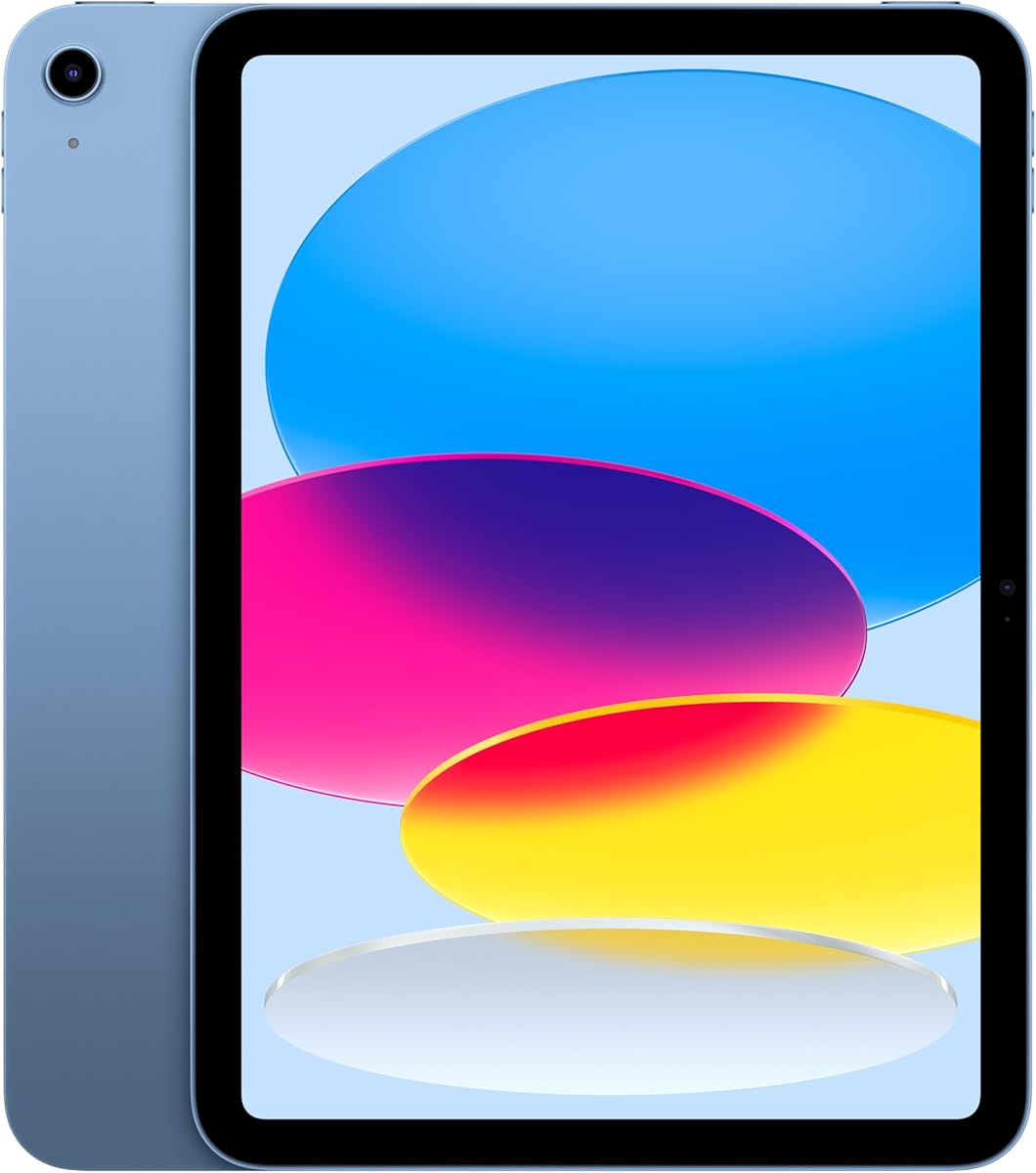
Apple iPad 11-inch
4.7Editor score
Superfast A16 chip performance
Liquid Retina display quality
Advanced cameras for video calls
Finding the right device can be challenging when technology changes quickly. Seniors need tools that are intuitive and reliable for staying connected with loved ones easily.
We evaluated ten leading tablets focusing on usability features like large icons, simple navigation, and clear displays. Each option was assessed for how well it supports daily digital tasks.
Each selection highlights unique strengths such as secure networks or versatile app access. Remember that product availability and costs may vary over time so check current listings before buying.
4.7Editor score

4.2Editor score

4.5Editor score
As an Amazon Associate we earn from qualifying purchases.
The following table provides a side-by-side comparison of all ten selected tablets highlighting key specifications and unique features for quick reference.




This device stands out as a specialized solution designed explicitly for older adults seeking safe connectivity. It combines tablet functionality with phone capabilities in one secure unit that prioritizes user safety.
We may earn a commission when you buy through this link, at no additional cost to you.
The interface features large icons and simplified navigation to reduce confusion during daily use. Family members can share photos and videos through companion apps ensuring everyone stays connected without technical hurdles.
While it offers robust protection against scams the device requires a specific plan for full functionality. Users cannot switch carriers freely which limits flexibility but ensures consistent support and security measures.
Ideal for seniors needing a worry free experience this tablet delivers peace of mind through its closed ecosystem. It is a strong choice for those prioritizing safety over open app access.
The private network prevents unwanted messages and ensures only approved contacts can reach the user safely.
Companion apps allow loved ones to share memories easily keeping seniors engaged with family life remotely.
We may earn a commission when you buy through this link, at no additional cost to you.
This tablet focuses on simplicity with a designed interface that highlights important buttons for beginners. It aims to make email and video calls straightforward for those new to technology.
We may earn a commission when you buy through this link, at no additional cost to you.
Users can adjust the interface size with a clever zoom feature to suit their visual needs. It also includes dual cameras for capturing moments and sharing them instantly with family members.
Despite its user focus the product has received mixed feedback regarding performance and reliability over time. Some users report challenges with connectivity or app installation through the Google Play Store.
It remains a viable option for those seeking a basic device with clear visual aids. Prospective buyers should weigh the simplicity against potential technical limitations before purchasing.
The zoom capability allows users to enlarge text and icons making content easier to read comfortably.
Automatic photo storage ensures images are ready to share quickly without complex file management steps.
We may earn a commission when you buy through this link, at no additional cost to you.
This device offers a balance of performance and affordability with a large vibrant display suitable for media consumption. It runs on Fire OS which provides a streamlined experience for common tasks.
We may earn a commission when you buy through this link, at no additional cost to you.
Features like Alexa enable hands free control for recipes or smart home commands which can be very helpful. The battery life supports long reading or streaming sessions without frequent recharging needs.
The operating system restricts access to certain apps outside the Amazon ecosystem which might limit specific preferences. However for general use like video calls and browsing it remains highly capable.
It is an excellent choice for budget conscious users wanting a reliable large screen device. The combination of durability and ease of use makes it a top contender for daily relaxation.
Alexa helps manage daily tasks through voice commands reducing the need for manual typing or searching.
The Full HD screen ensures colors are vivid and text is sharp for comfortable viewing.
We may earn a commission when you buy through this link, at no additional cost to you.
This tablet delivers robust performance with ample storage for photos and apps without needing extra cards immediately. The larger screen size enhances viewing experiences for video calls and movies.
We may earn a commission when you buy through this link, at no additional cost to you.
Quad speakers provide immersive sound which adds depth to media consumption and makes conversations clearer. Fast charging ensures the device is ready to use quickly after short charging periods.
The advanced interface might require a short adjustment period for users used to simpler systems. However the speed and responsiveness make daily tasks feel effortless once familiar with the layout.
It is well suited for seniors who want a versatile device capable of handling multiple tasks. The balance of power and storage makes it a reliable long term investment for digital engagement.
Dolby Atmos speakers create a cinema like environment making movies and music more enjoyable.
High RAM allows smooth switching between apps so users can work without lag or delays.
We may earn a commission when you buy through this link, at no additional cost to you.
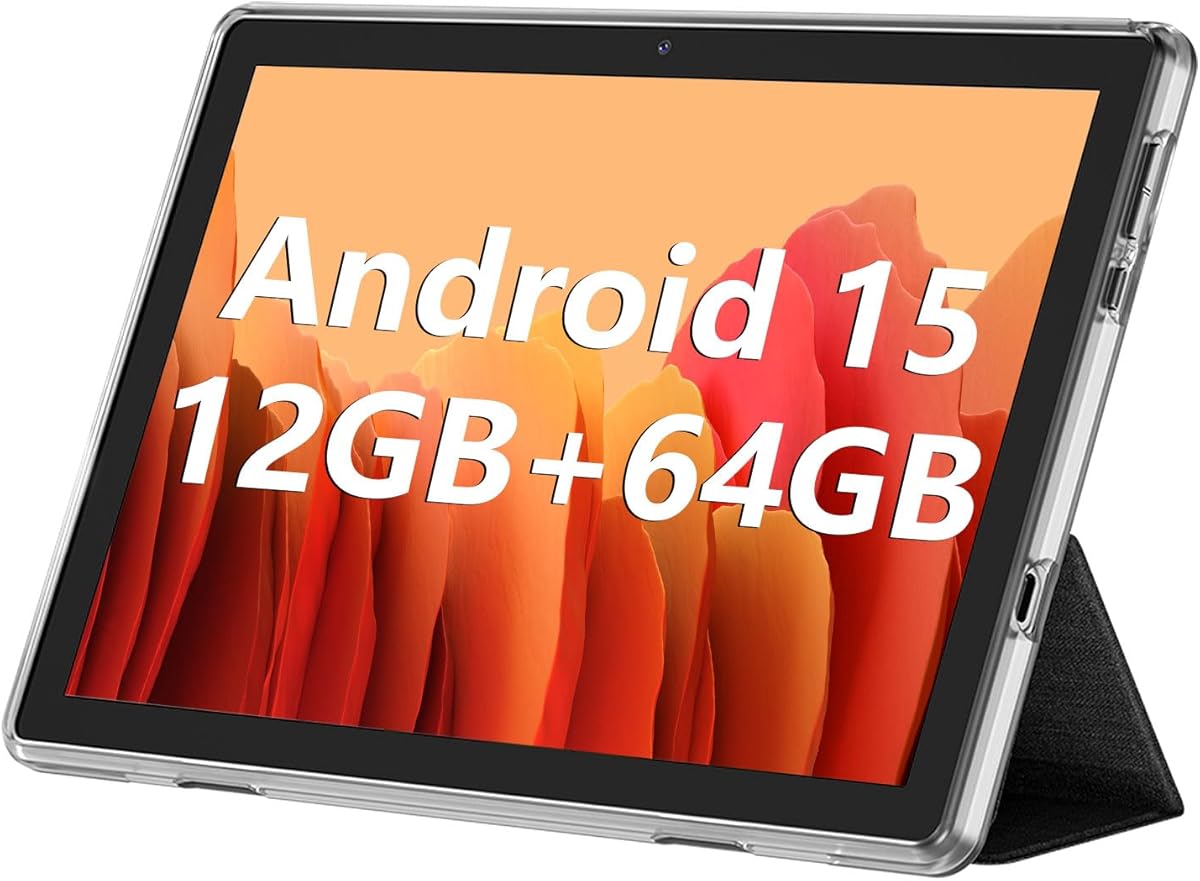
This device brings modern Android features to a budget friendly package with high RAM specifications. It supports a wide range of apps through Google Play ensuring users have access to familiar tools.
We may earn a commission when you buy through this link, at no additional cost to you.
The battery capacity supports extended use for reading or streaming sessions throughout the day. Dual cameras allow for basic photography and video calls with decent clarity for everyday needs.
While the specs are impressive the build quality and support options may not match premium brands. Users should be prepared for potential software updates or connectivity variations over time.
It is a strong candidate for those prioritizing specifications and app access over brand reputation. The flexibility of Android makes it a good choice for tech savvy seniors wanting customization.
Google Play Store access means users can install specific apps they prefer without restrictions.
The large battery supports long hours of usage between charges for reliable daily performance.
We may earn a commission when you buy through this link, at no additional cost to you.
This tablet offers a more compact form factor that is easy to hold for extended periods. The 8 inch screen provides a balance between portability and usability for reading and viewing.
We may earn a commission when you buy through this link, at no additional cost to you.
It retains the benefits of the Fire ecosystem including Alexa integration and long battery life for on the go use. The processor ensures smooth navigation for basic tasks like browsing or watching videos.
Users needing a larger display for reading text might find the screen size less ideal for long sessions. However for travel or casual use it remains a convenient and reliable tool.
It is an excellent entry level option for seniors wanting a lightweight device for basic tasks. The combination of size and battery life makes it perfect for entertainment anywhere.
The lightweight design makes it easy to carry in a bag or hold for long periods comfortably.
WiFi connectivity allows easy access to online content and video calls from home or travel.
We may earn a commission when you buy through this link, at no additional cost to you.
This device emphasizes portability with a slim profile that fits easily into a purse or backpack. The included folio case offers protection and a stand for hands free viewing experiences.
We may earn a commission when you buy through this link, at no additional cost to you.
Battery performance supports extended streaming sessions making it ideal for entertainment without frequent charging. The display brightness ensures visibility in various lighting conditions for comfortable reading.
While storage is modest the device handles standard tasks well without significant lag. Users should be mindful of storage limits when downloading large media files or apps.
It suits seniors who value lightness and convenience over high performance capabilities. The included case adds value and makes it ready to use immediately after purchase.
The built-in stand in the case allows for easy hands-free watching while cooking or relaxing.
Regular security patches ensure the device remains safe and up to date against threats.
We may earn a commission when you buy through this link, at no additional cost to you.
This tablet introduces the latest operating system features promising enhanced privacy and efficiency. Cellular support allows connectivity anywhere without relying solely on WiFi networks for staying online.
We may earn a commission when you buy through this link, at no additional cost to you.
The large battery ensures long uptime for users who travel frequently or spend extended time online. Dual speakers and eye protection modes make it comfortable for reading or watching videos.
As a newer brand users might face fewer resources for support compared to established manufacturers. The feature set is rich but might require some learning to utilize all capabilities effectively.
It is a compelling choice for those wanting up to date tech with flexibility. The cellular option adds significant value for seniors who need reliable internet access on the go.
4G LTE support keeps users connected even when away from home WiFi networks easily.
Reading and eye protection modes adjust the screen to reduce strain during long viewing.
We may earn a commission when you buy through this link, at no additional cost to you.
This device represents a top tier option with a stunning display and fast processor for smooth operation. The design is sleek and modern providing a premium feel that lasts over time.
We may earn a commission when you buy through this link, at no additional cost to you.
Security features like Touch ID allow easy unlocking and secure payments without entering passwords. The camera quality is advanced making video calls and photos look clear and detailed.
The cost is higher than many alternatives which might be a factor for budget conscious buyers. However the build quality and ecosystem support justify the investment for many users.
It is ideal for seniors who want a high end device with reliable performance and security. The intuitive iOS interface ensures a smooth learning curve for new technology users.
The Liquid Retina display offers true tones and high resolution for clear viewing anytime.
App Store offers millions of optimized apps ensuring users find exactly what they need.
We may earn a commission when you buy through this link, at no additional cost to you.
This model offers a smaller form factor suitable for those who prefer handheld devices. It runs on a modern Android version allowing access to a wide range of applications.
We may earn a commission when you buy through this link, at no additional cost to you.
The battery life supports daily tasks without frequent interruptions making it reliable for casual use. Users appreciate the balance of size and performance in a budget friendly package.
Being an international version it lacks a warranty which might concern some buyers. However the hardware meets standard expectations for basic browsing and media consumption needs.
It is a solid choice for users needing a portable and affordable Samsung device. The compact size makes it easy to carry around the house or in a bag.
The smaller screen makes it easy to hold with one hand for comfortable reading anywhere.
Regular updates keep the system secure and add new features over time.
We may earn a commission when you buy through this link, at no additional cost to you.
Selecting the right device involves considering several key factors to ensure it meets daily needs effectively.
A larger screen helps seniors read text and see images more clearly without straining their eyes. Look for devices with high resolution and adjustable font settings to suit visual needs.
Prioritize screens that are bright and large enough to reduce eye fatigue during daily use.
Simpler interfaces with large icons reduce confusion and make navigation easier for beginners. Customizable home screens allow users to place frequently used apps within easy reach.
Choose a system that offers easy setup and intuitive navigation to minimize frustration.
Long battery life ensures the device remains functional throughout the day without frequent recharging. Look for models that offer at least ten hours of usage for consistent performance.
Ensure the battery supports full day usage to avoid interruptions during important calls.
Some users may benefit from cellular connectivity to stay online without relying on WiFi networks. WiFi models are often sufficient for home use but mobile data offers more flexibility.
Decide if mobile data is necessary based on how much time is spent away from home.
Ample storage is needed for photos videos and apps that accumulate over time. Consider devices with expandable storage options to accommodate growing digital libraries easily.
Select sufficient storage to prevent running out of space quickly after installation.
Reliable customer support helps resolve technical issues quickly and ensures peace of mind. Check if the device comes with a warranty or access to dedicated service teams.
Prioritize brands known for responsive support to handle any problems that arise.
Good front and rear cameras improve the quality of video calls and photo sharing. Clear images make conversations feel more personal and help preserve memories effectively.
Look for models with clear lenses to ensure sharp video chats with family.
Cost varies widely between basic and premium models so determine a comfortable spending limit. Balance essential features against price to find the best value for specific needs.
Focus on core features needed rather than extra specs to manage costs effectively.
Begin by setting up the device in a well-lit area to ensure you can see the screen clearly. Follow the on-screen instructions to connect to a secure WiFi network and sign into your accounts.
Protect the tablet by using a case or screen protector to prevent damage from drops or scratches. Keep it away from direct sunlight or extreme heat to maintain battery health over time.
Regularly charge the device and avoid leaving it plugged in unnecessarily to extend battery longevity. Update software periodically to ensure you have the latest features and security improvements.
Most tablets do not require a subscription for basic functions but some specialized devices may include service plans. It is important to check product details to understand if ongoing fees apply for network access.
Yes almost all tablets support standard email apps allowing you to check messages easily. You can download additional email clients from the app store if your preferred service is not pre-installed.
Absolutely many models feature high quality front cameras and speakers for clear video communication. Apps like Zoom and FaceTime are supported to keep you connected with family and friends remotely.
Most tablets allow you to adjust font size in the display settings. Navigate to the accessibility menu to enlarge text and icons for better readability during use.
Many Android based tablets support SD cards to increase storage capacity. Apple devices do not support external storage so ensure internal memory meets your needs before purchasing.
Many manufacturers offer dedicated support lines and guides for beginners. Family members can also help with initial setup using companion apps available on other devices.
We reviewed ten top options ranging from specialized secure devices to versatile general purpose tablets. Each was chosen for its ability to simplify technology and enhance daily life effectively.
Prioritize features that match specific needs such as large screens for vision or secure networks for safety. The right choice depends on how the device will be used every day.
Remember to check current listings for availability and pricing as these details change frequently. This guide offers a solid starting point for finding a reliable tool for connectivity.