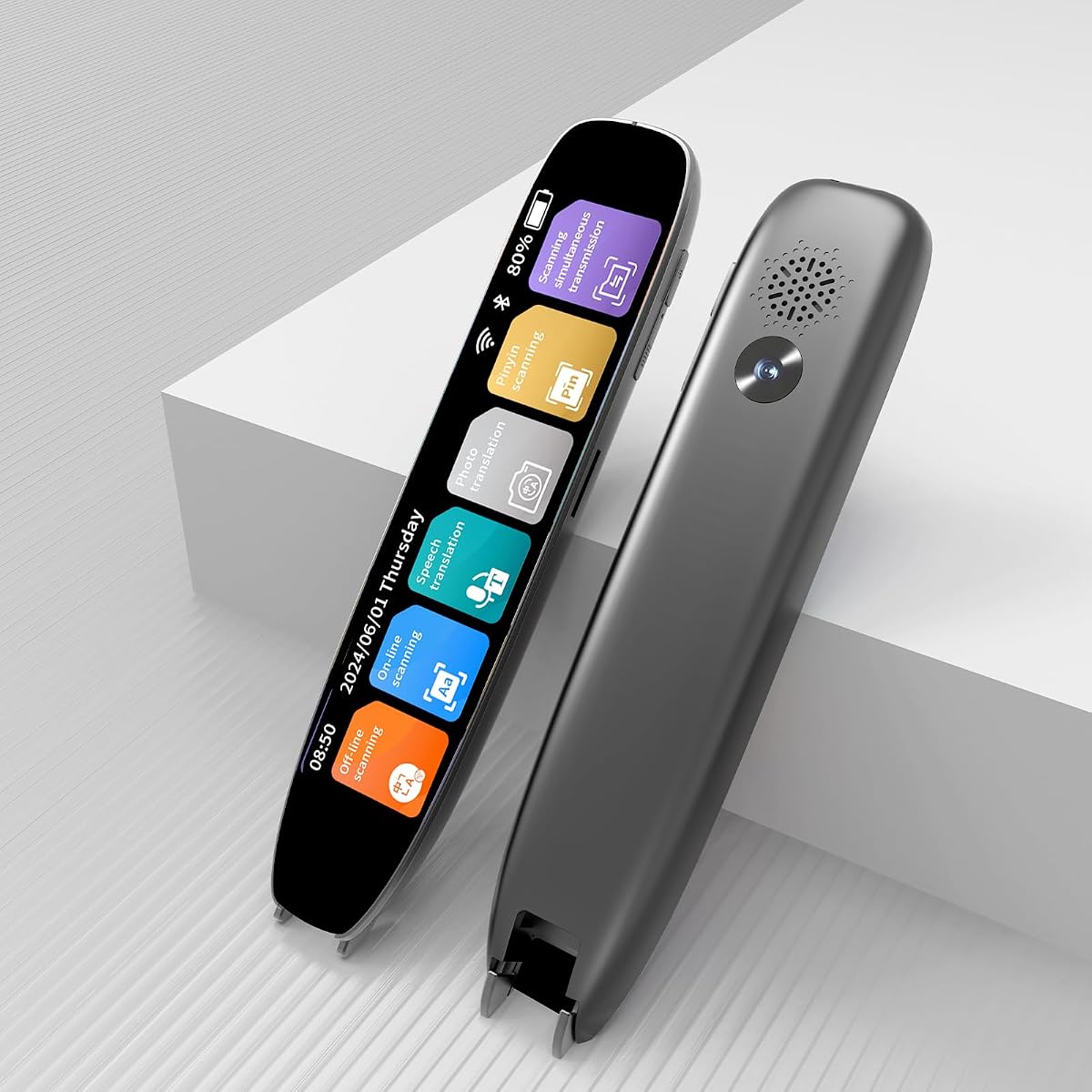
Scan Translator Pen
3.8Editor score
Supports 142 online languages
Built-in voice recording function
Portable and lightweight design
Choosing the right dyslexia reading pen can transform how students and adults approach text. These devices scan printed words and read them aloud, reducing cognitive load and improving comprehension for users with learning difficulties.
We compared ten top-rated models based on scanning accuracy, language support, and ease of use. Our analysis focuses on features that matter most for dyslexia support, including text to speech quality and offline capabilities.
Each pick highlights key strengths and potential drawbacks to help you decide. Prices and availability change frequently, so verify current details on the product pages before making your final purchase decision today.
3.8Editor score

4.0Editor score
3.9Editor score
As an Amazon Associate we earn from qualifying purchases.
The following table provides a side-by-side comparison of all ten dyslexia reading pens available in our review. Each entry highlights essential specifications to help you quickly identify the model that best fits your specific reading and learning needs.


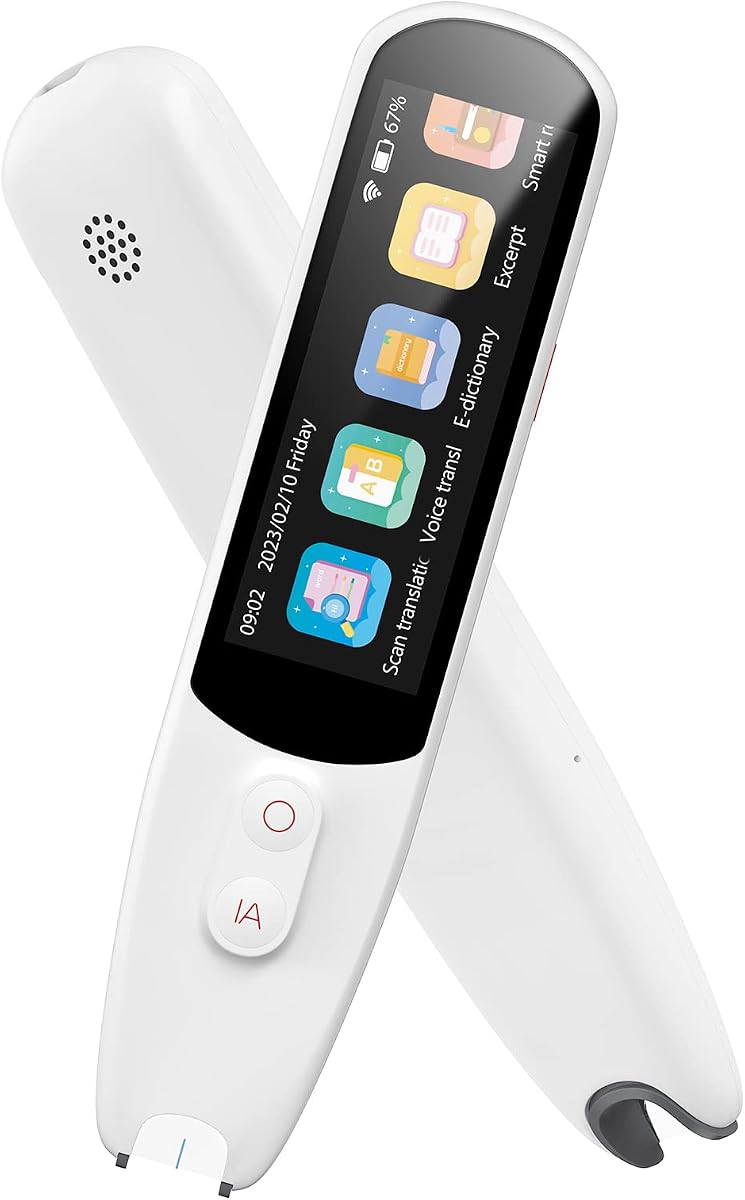


The Scanmarker Pal stands out as a top choice for individuals seeking comprehensive dyslexia support. With a rating of 4.0 stars, this device offers robust translation and reading capabilities suitable for diverse learning environments.
We may earn a commission when you buy through this link, at no additional cost to you.
Its standout feature is the ability to translate text in over 100 languages with offline support for major ones like English and Spanish. The text-to-speech function highlights words on the screen, aiding comprehension for auditory learners.
While highly capable, the device is priced higher than some competitors and offers offline support for only five major languages. However, these trade-offs are acceptable given the precision scanning and Bluetooth audio integration.
This pen is ideal for students and travelers who need reliable on-the-go assistance. We recommend it for users prioritizing language versatility and clear audio feedback during reading sessions.
Support for over 100 languages ensures users can tackle texts in foreign languages without switching devices.
Instant text-to-speech with visual highlighting helps users process information more effectively.
We may earn a commission when you buy through this link, at no additional cost to you.
This model offers exceptional value with its low price point and high language capacity. A rating of 4.0 suggests users find it effective for basic translation and reading tasks.
We may earn a commission when you buy through this link, at no additional cost to you.
It supports 142 online languages and 10 offline ones, making it versatile for students and travelers. The device also features photo translation and text extraction for easy note-taking.
Limitations include support only for horizontal Japanese text and unsuitability for blind users. Despite this, the budget-friendly nature makes it accessible for those needing essential features.
We recommend this for students needing a cost-effective tool for study or casual travel. It provides strong functionality without the premium cost of more complex models.
Priced under $50, it offers broad language support ideal for casual learners.
Lightweight construction ensures it fits easily in a pocket or pencil case.
We may earn a commission when you buy through this link, at no additional cost to you.
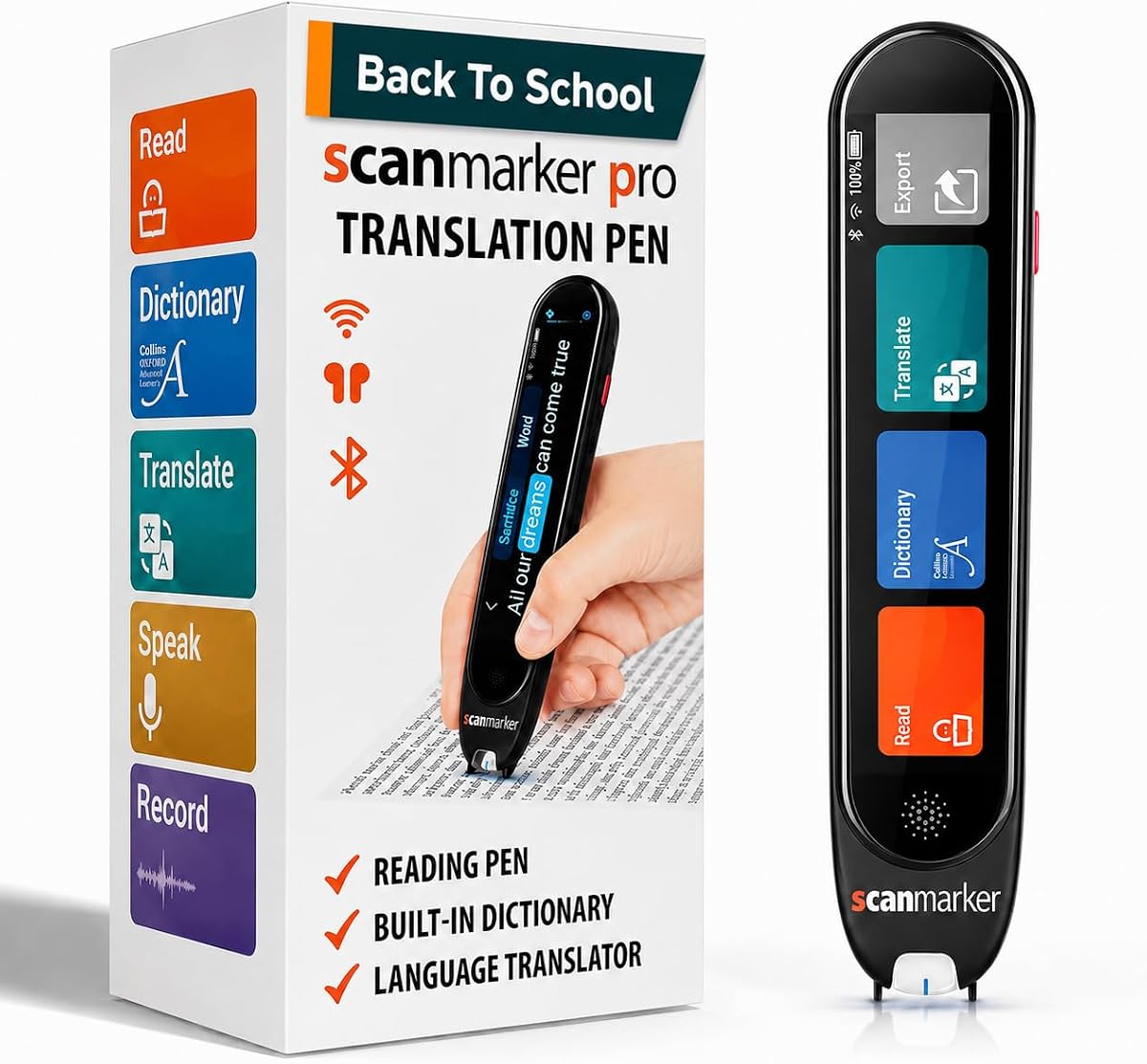
The Scanmarker Pro is designed for users seeking a standalone solution without needing a phone. Its 3.9 rating reflects solid performance in reading and translation tasks.
We may earn a commission when you buy through this link, at no additional cost to you.
It offers over 100 languages and includes a built-in English dictionary for vocabulary enhancement. Users can also capture notes directly on the device for efficient data collection.
The main drawback is the higher price and lack of USB export options. These are minor issues for those prioritizing autonomy and simplicity in their reading aid.
This pen is best for professionals and students who prefer a dedicated device over app-based tools. It provides a reliable, self-contained experience for daily learning.
Operates independently without requiring a connected smartphone or tablet.
Built-in dictionary allows quick definitions without leaving the reading interface.
We may earn a commission when you buy through this link, at no additional cost to you.
This device distinguishes itself with a large 3.5-inch touch screen and a perfect 5.0 rating. Users appreciate the ease of interaction and the rich feature set available.
We may earn a commission when you buy through this link, at no additional cost to you.
It supports OCR in 55 languages and includes an authoritative Collins dictionary for accurate definitions. The ability to export text via USB is a significant advantage for students.
The pen cannot recognize vertical Japanese text and may struggle with certain non-standard fonts. However, the high accuracy rate makes it a top pick for general use.
We recommend this for users who need a visual interface and reliable dictionary lookups. It is particularly useful for those who value direct text export to a computer.
A large touch screen simplifies navigation and settings adjustments for all ages.
Includes the Collins Dictionary for authoritative word definitions and translations.
We may earn a commission when you buy through this link, at no additional cost to you.
This model is marketed towards elderly users and those with learning difficulties. It offers a straightforward interface with 142 online language support for broad accessibility.
We may earn a commission when you buy through this link, at no additional cost to you.
It features both offline translation and a built-in voice recorder for capturing lectures. The text-to-speech function helps improve pronunciation and comprehension for students.
The device has a basic design and cannot read vertical Japanese text. These limitations do not detract from its utility for standard reading and translation needs.
We suggest this for seniors or students needing a simple, reliable tool. The voice recorder adds extra value for capturing meetings or class content.
Designed with simplicity in mind for elderly users or those new to tech.
Records audio for later review of meetings or classroom lectures.
We may earn a commission when you buy through this link, at no additional cost to you.
The SVANTTO model focuses on audio quality with intelligent noise reduction technology. It receives a 3.7 rating, suggesting decent performance for specific use cases.
We may earn a commission when you buy through this link, at no additional cost to you.
It supports 102 languages and allows users to adjust reading speeds for better comprehension. The noise reduction feature ensures clear audio recordings for lectures.
The device offers fewer offline languages compared to others. However, for users prioritizing clear audio and smart note-taking, it remains a solid choice.
We recommend this for students in noisy environments who need clear audio feedback. The adjustable speed feature helps tailor the experience to individual learning needs.
Noise reduction tech ensures clear recordings even in busy classrooms.
Users can adjust reading speeds to match their individual comprehension pace.
We may earn a commission when you buy through this link, at no additional cost to you.
This device integrates AI features like a homework checker and chat to assist learning. It has a 3.9 rating and caters to a wide range of readers from kids to adults.
We may earn a commission when you buy through this link, at no additional cost to you.
It includes a special dyslexia-friendly font to reduce reading stress and supports 112 languages. The 16GB storage allows for extensive note and document saving.
The device works best with a connected app and has a basic 5MP camera. Despite this, the AI capabilities make it a strong option for homework help.
We recommend this for students needing AI-driven study support and specialized fonts. It bridges the gap between a scanner and an intelligent tutor.
Built-in AI homework checker and chat assist with complex learning tasks.
Special font design reduces reading stress and improves processing ease.
We may earn a commission when you buy through this link, at no additional cost to you.
This pen is ideal for travelers and professionals needing quick information extraction. With a 3.8 rating, it offers standard features found in most translation devices.
We may earn a commission when you buy through this link, at no additional cost to you.
It supports 142 languages and includes a text excerpt function to capture key details. The built-in camera helps with complex layouts and menus.
The device is unsuitable for blind users and has Japanese text limitations. However, its compact size makes it easy to carry for daily use.
We suggest this for travelers needing rapid text extraction. The excerpt tool ensures you capture only the relevant info without full document scanning.
Text excerpt function captures key details without full document scanning.
Compact design ensures it fits in a pocket for on-the-go use.
We may earn a commission when you buy through this link, at no additional cost to you.
This model stands out for its 5MP HD camera designed for complex layouts. It holds a 5.0 rating, indicating high user satisfaction with its performance.
We may earn a commission when you buy through this link, at no additional cost to you.
It supports 142 languages and allows fast mobile sync for editing files. The camera handles tricky text scenarios like menus or images better than standard scanners.
Some features require internet access, and offline options are limited to 10 languages. However, the camera quality makes it superior for visual text extraction.
We recommend this for users dealing with non-standard text formats. The camera ensures accurate recognition where standard scanning might fail.
5MP HD camera handles complex layouts and non-standard text perfectly.
Sync editable files directly to your phone for quick organization.
We may earn a commission when you buy through this link, at no additional cost to you.
This pen offers a unique feature for left-handed users. It carries a 3.8 rating and balances accessibility with standard translation capabilities.
We may earn a commission when you buy through this link, at no additional cost to you.
It supports left and right hand modes for comfortable operation. The 70g design ensures it remains lightweight for extended reading sessions.
The device cannot scan vertical Japanese text and is unsuitable for blind users. Despite this, the ergonomic design is a major plus for left-handed students.
We recommend this for left-handed individuals who struggle with standard pens. The ergonomic design prevents fatigue during long study or travel periods.
Left and right hand modes ensure comfort for all users.
At only 70g, it is light enough for all-day carrying.
We may earn a commission when you buy through this link, at no additional cost to you.
Selecting the right dyslexia reading pen requires considering several key features to ensure it meets your specific needs.
Check how many languages the device supports online and offline. More languages provide greater flexibility for international travel and multilingual study.
Look for offline support for languages you use frequently.
The clarity of the audio output is crucial for comprehension. Ensure the device offers adjustable speeds to match your reading pace.
Higher quality audio reduces cognitive load and improves retention.
A good scanner must read text accurately, even from complex layouts. Devices with higher camera resolution perform better with non-standard fonts.
Accuracy ensures you do not have to re-scan text repeatedly.
Consider whether the device needs a phone connection or works standalone. Bluetooth headphones provide privacy during study sessions.
Wireless connectivity keeps your workspace clutter-free.
Built-in storage or USB export allows you to save notes and documents. This feature is essential for students organizing research.
Easy export saves time on manual transcription.
Long battery life ensures the device lasts through a school day or trip. Check reviews for real-world usage times.
A reliable battery prevents interruptions during critical study moments.
A simple interface reduces the learning curve. Touch screens help visual learners navigate menus easily.
Ease of use is key for consistent daily adoption.
Compare the cost against the features offered. A warranty ensures protection against accidental damage.
Balanced value is better than the lowest price.
To use the pen, slide it steadily over the text you wish to read. Keep the pen parallel to the text line to ensure accurate capture.
Charge the device regularly using the provided cable. A full charge typically provides enough power for several hours of use.
Store the pen in a protective case to prevent damage. Avoid exposing it to extreme heat or moisture to extend its lifespan.
Many models support offline translation for a limited number of languages. This allows you to use the device while traveling abroad without data access.
Yes, most devices are user-friendly and durable. Parents should supervise initial use to ensure the child understands how to operate the scanner.
Most models feature Bluetooth connectivity. This lets you listen to the text-to-speech output privately without disturbing others around you.
Generally, these pens require printed text to work correctly. Handwriting is often too variable for optical character recognition to process accurately.
Some devices offer companion apps for syncing notes to your phone. This is useful for organizing your research and study materials digitally.
Battery life varies by model but often ranges from five to ten hours. Always check the product specs for exact battery performance details before purchasing.
Many models allow you to save text in formats compatible with Word. This helps students integrate scanned text directly into their homework assignments.
Some pens struggle with very small or complex fonts. It is best to test the device on your typical materials before committing to a purchase.
The Scanmarker Pal offers the best balance of features for most users. Its offline capabilities and high language count make it a top choice.
Prioritize devices that match your specific learning or travel needs. Ensure the scanning accuracy meets your requirements before purchasing.
Always check current prices and reviews before buying. Features and availability may change over time in this fast-moving market.