
WD SE 2TB Datacenter
4.4Editor score
Cost Effective Per GB
5 Year Warranty
Vibration Tolerance
Finding the right storage solution is crucial for modern computing needs. A 7200 Rpm HDD Hard Drive offers a balance of speed and capacity that suits many users. Whether you are gaming or editing video, the rotation speed matters significantly for performance.
We analyzed ten leading models based on cache size, capacity, and brand reputation. Our comparison looks at real-world performance metrics and user feedback. This list covers various form factors and specific use cases for different audiences.
Each pick highlights specific strengths like warranty terms or data recovery services. Prices fluctuate frequently so check current listings before buying. These drives represent reliable options for upgrading your existing computer system today.
4.4Editor score

4.6Editor score
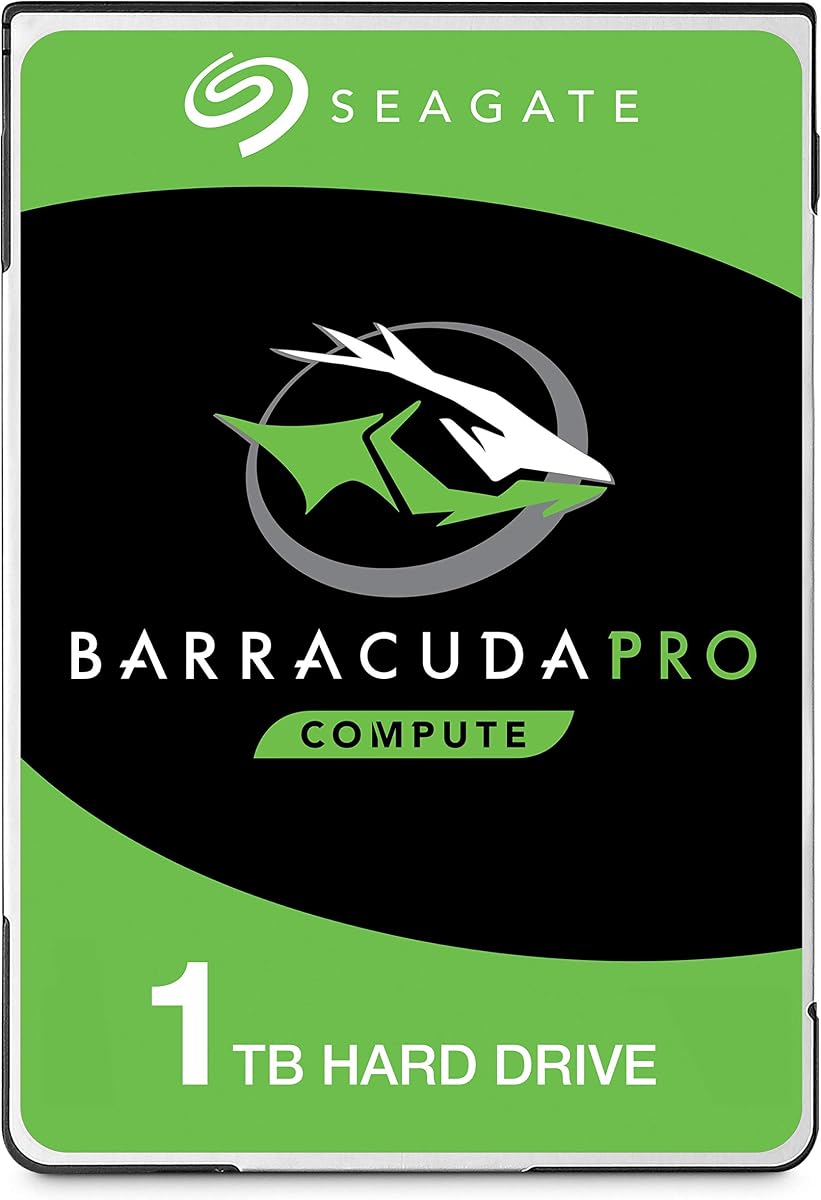
4.6Editor score
As an Amazon Associate we earn from qualifying purchases.
This table provides a side by side overview of all ten selected drives. You can see capacity cache and key differences at a glance for easier decision making.


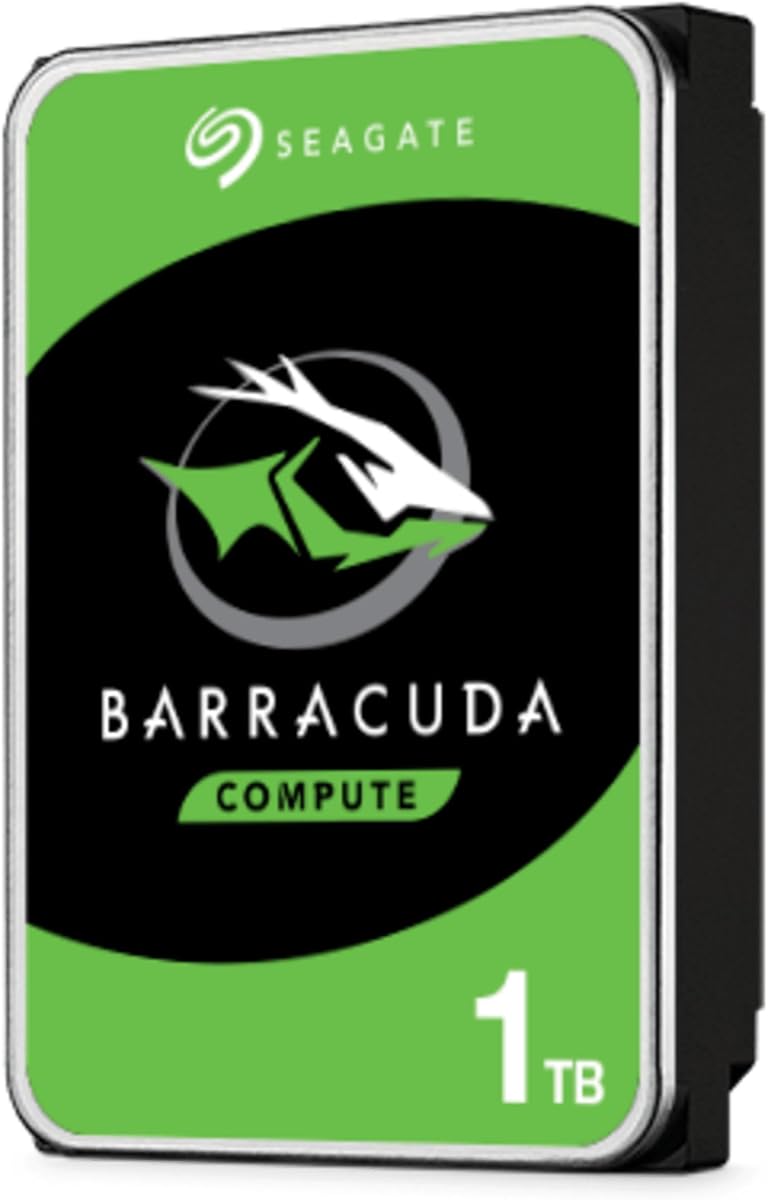
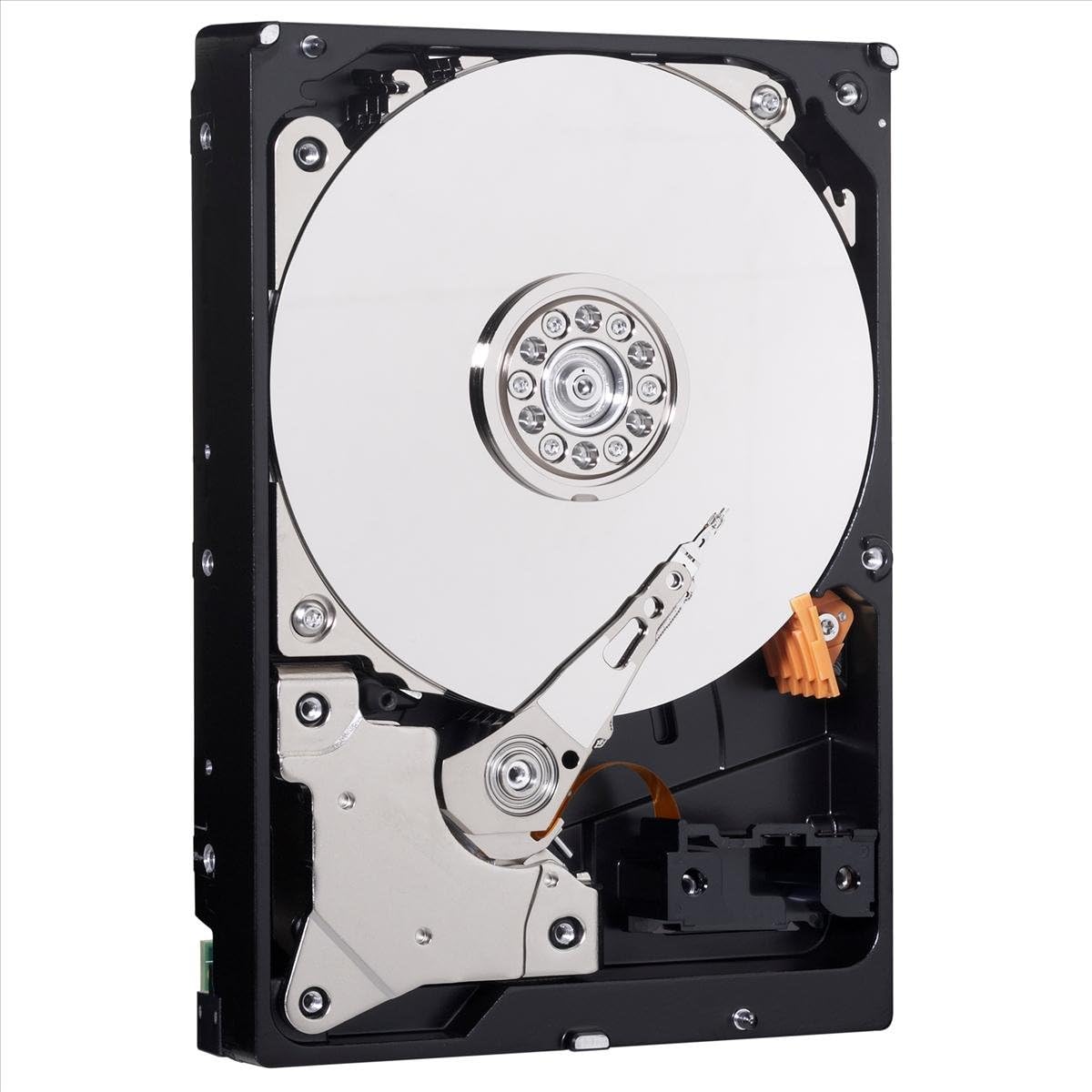


This drive stands out as a top choice for general desktop upgrades. It combines a solid rating with a practical capacity for most users. The build quality ensures consistent performance over time without excessive noise.
We may earn a commission when you buy through this link, at no additional cost to you.
The 64MB cache helps manage data flow efficiently during heavy workloads. Users report smooth operation when running multiple applications simultaneously. The 7200 RPM speed delivers quick access times for files and games.
While it lacks advanced data recovery services, the drive is stable for daily use. The limited warranty is shorter than some premium models but adequate for standard users. It remains a reliable option for non critical storage needs.
Anyone looking to upgrade an old PC will find this drive suitable. It fits standard desktop cases and requires minimal setup effort. We recommend it for those who value balance between cost and performance.
The drive is designed to handle typical desktop tasks with ease.
Packaging simplifies the unboxing and installation process for all users.
We may earn a commission when you buy through this link, at no additional cost to you.
This model offers premium features that cater to professionals and power users. The larger cache provides a noticeable boost in burst performance. It also includes valuable data recovery services for peace of mind.
We may earn a commission when you buy through this link, at no additional cost to you.
The 2.5 inch form factor makes it versatile for laptops or small cases. Users appreciate the included rescue services which protect against accidental data loss. The five year warranty adds significant value to the purchase.
While the capacity is lower than desktop drives it is sufficient for system drives. The higher cost reflects the enhanced reliability and included services. It is an excellent choice for those prioritizing data safety.
We recommend this drive for users who need reliable portable storage. It performs well in demanding environments where data integrity is critical. The extra cost is justified by the included protections and warranty.
Included data recovery services offer critical insurance for important files.
The smaller size allows installation in a wider variety of devices.
We may earn a commission when you buy through this link, at no additional cost to you.
The WD Black series is known for targeting gamers and creators. This drive delivers consistent speeds that benefit loading times in games. It includes technologies designed to reduce vibration and improve longevity.
We may earn a commission when you buy through this link, at no additional cost to you.
Users note that the drive handles heavy use well without overheating. The 5 year warranty provides long term security for expensive hardware investments. It is a solid choice for systems that run constantly.
The price is higher than standard consumer drives but reflects the performance tier. Some users might prefer more cache for multi tasking scenarios. However the stability features make it worth the investment for reliability.
This drive is ideal for desktop builds where performance is key. It suits users who want a dedicated drive for operating systems and apps. We suggest it for those prioritizing durability over raw capacity.
Designed specifically to meet the high demands of gaming setups.
Reduces vibration to ensure data integrity during high speed operation.
We may earn a commission when you buy through this link, at no additional cost to you.
This drive has earned a high rating from verified purchasers. It offers a straightforward solution for adding storage to a PC. The specifications indicate standard performance for the price category.
We may earn a commission when you buy through this link, at no additional cost to you.
Users appreciate the simplicity of the model for basic upgrades. It works well in standard desktop towers with SATA connections. The reliability record suggests it will last for several years.
Lack of detailed specs makes comparison slightly harder but performance is consistent. It may not have the extra features of premium lines. Still it is a dependable option for general file storage needs.
We recommend this drive for users seeking a simple capacity upgrade. It is suitable for storing media files and backups reliably. The high rating indicates satisfaction with its overall performance.
High user satisfaction scores reflect consistent performance over time.
Works seamlessly with most modern desktop systems via SATA.
We may earn a commission when you buy through this link, at no additional cost to you.
This drive offers datacenter quality at a very competitive price. It is designed for environments with high vibration tolerance requirements. The 5 year warranty is exceptional for the price point.
We may earn a commission when you buy through this link, at no additional cost to you.
Users find it useful for NAS or server setups on a budget. The cost effective per GB value makes it hard to beat. It includes technologies usually reserved for more expensive enterprise drives.
Packaging is basic and does not include mounting hardware or cables. This might inconvenience users expecting a full kit. However the core performance and reliability remain strong for the cost.
We recommend this for budget conscious buyers needing large capacity. It suits users who understand enterprise drive requirements. The value proposition is outstanding for those needing storage now.
Provides enterprise level durability without the enterprise price tag.
RAFF technology ensures smooth operation even in high vibration settings.
We may earn a commission when you buy through this link, at no additional cost to you.
This older model still holds value for bulk storage needs. It features the SATA 6Gb/s interface for modern compatibility. Users appreciate the bare drive option for custom builds.
We may earn a commission when you buy through this link, at no additional cost to you.
The performance remains relevant for standard file storage tasks. It handles data transfer rates well for everyday use cases. The brand reputation ensures quality control even for older stock.
It lacks some software tools found in newer packages. Some buyers might find the packaging less refined than modern products. Still it is a functional choice for expanding storage space.
We recommend this for users building on a tight budget. It works well as a secondary drive for media files. The capacity to speed ratio is favorable for general use.
Ideal for integrators who prefer to source their own accessories.
Proven architecture that continues to deliver stable results.
We may earn a commission when you buy through this link, at no additional cost to you.
This variant of the BarraCuda series is widely used in PCs. It offers reliable performance for typical desktop applications. The 2 year warranty covers the initial ownership period well.
We may earn a commission when you buy through this link, at no additional cost to you.
Users report consistent operation when used for general storage. It handles daily tasks without issue in most environments. The price point makes it accessible for many consumers.
The warranty is shorter than some competitors offer. Premium features like data recovery are not included. Still it is a solid baseline option for standard storage needs.
We recommend this drive for basic desktop upgrades. It fits well in most towers and is easy to install. The reliability record supports its use for important files.
Works with nearly all modern desktop systems without issues.
Backed by years of innovation in internal hard drive design.
We may earn a commission when you buy through this link, at no additional cost to you.
This entry level drive is perfect for smaller storage needs. It uses IntelliSeek to optimize seek speeds and reduce noise. The 500GB capacity suits light users or system backups.
We may earn a commission when you buy through this link, at no additional cost to you.
Users find it quiet during operation which is a plus. The 2 year seller warranty covers basic issues adequately. It is a good choice for tight budget constraints.
The cache size is smaller than newer models which may affect speed. It is not recommended for heavy multitasking tasks. However for simple file storage it performs as expected.
We recommend this for older systems needing a refresh. It is affordable and fits standard desktop cases easily. The technology ensures efficient energy use during idle times.
Calculates optimum seek speeds to lower power and noise levels.
Monitors drive health continuously to maintain optimum performance.
We may earn a commission when you buy through this link, at no additional cost to you.
This drive features a large cache which helps with burst speeds. It includes DiscWizard software for easy data migration. The rating reflects high user satisfaction with the model.
We may earn a commission when you buy through this link, at no additional cost to you.
Users appreciate the included tool for upgrading from older drives. It simplifies the process of moving data to a new disk. The 2TB capacity is sufficient for most general uses.
While the cache is large the interface remains standard SATA. This is not a limitation for most desktop users. The performance is consistent across typical workloads effectively.
We recommend this for users upgrading their primary drive. The software tool adds value to the purchase price. It is a solid choice for those who want ease of use.
Free software tool for migrating and cloning data from old drives.
256MB cache optimizes performance for burst data operations.
We may earn a commission when you buy through this link, at no additional cost to you.
This renewed model offers massive capacity for a lower price. It is built for enterprise environments with high workload expectations. The hot plug support allows for flexible server maintenance.
We may earn a commission when you buy through this link, at no additional cost to you.
Users note it is reliable for backup and archival tasks. The 2 year warranty provides some security for renewed hardware. It suits users who need significant space for media or backups.
Being renewed means it is a used component which may vary. The MTBF is high indicating designed for 24×7 operation. It is a smart buy for those needing bulk storage cheaply.
We recommend this for home server or NAS setups. The 6TB capacity eliminates the need for multiple drives. It is a powerful option for those prioritizing storage volume.
Designed for 24×7 operation with high MTBF ratings.
Allows drives to be removed or added without shutting down systems.
We may earn a commission when you buy through this link, at no additional cost to you.
Choosing the right drive involves considering capacity, cache, and warranty terms. This guide breaks down the key factors to help you decide.
Determine how much space you need based on your file types. Video editors will need more than basic office users. Consider future needs to avoid replacing the drive soon.
Cache acts as a buffer for frequently accessed data. Larger cache sizes improve burst performance significantly. Look for 64MB or more for better speeds.
Ensure the drive matches your motherboard interface. SATA 6Gb/s is standard and widely compatible. Check older systems for older standards.
Desktop drives are usually 3.5 inch. Laptop drives are 2.5 inch. Confirm your case supports the size before buying.
Longer warranties indicate manufacturer confidence. Look for at least two years. Some premium drives offer five years.
Check user reviews for failure rates. Enterprise drives often have better stats. Consumer drives should be sufficient for light use.
Some drives use more energy during spin up. Look for energy efficient models if running 24×7. This affects long term costs.
Higher speeds often cost more. Balance your budget with needs. Entry drives are fine for basic storage tasks.
Install the drive securely to prevent physical damage. Use all mounting screws to avoid vibration issues. Ensure cables are connected firmly to prevent disconnection.
Maintain proper cooling to extend lifespan. Use case fans to keep temperatures low. Avoid placing the drive near heat sources directly.
Regularly back up important data to the cloud. Physical drives can fail over time unexpectedly. Keep multiple copies of critical files safe.
Yes generally a 7200 RPM drive is faster in access times. It handles large file transfers more efficiently. However it may generate slightly more heat and noise.
Usually not due to size differences. Desktop drives are 3.5 inches while laptops need 2.5 inches. Check your case dimensions before attempting installation.
A larger cache stores frequently used data for faster access. It improves burst performance and system responsiveness. This is useful for multitasking and gaming scenarios.
Most drives last several years with normal use. High quality models can exceed five years. Proper cooling and handling extend their lifespan significantly.
Some packages include screws but not all. Check the product details carefully before buying. It is safer to have extra screws on hand for installation.
Yes modern motherboards support multiple SATA drives. You will need enough power connectors and ports. Use a split cable if power is limited.
They offer higher reliability but cost more. They are ideal for servers or heavy workloads. For standard use consumer drives are usually sufficient.
It is the current standard interface speed for hard drives. It supports data transfer rates up to 6 gigabits per second. Most modern PCs use this standard.
We have reviewed ten options that fit different needs and budgets. The BarraCuda series offers strong value for most desktop users. Enterprise drives provide reliability for critical storage.
Prioritize capacity and warranty when making your decision. If speed is critical look for models with larger cache sizes. Ensure the form factor fits your system case.
Prices change frequently so check current listings before purchasing. Always compare the specific model numbers for accurate specs. These drives will upgrade your computer storage effectively.