
Amazon Basics HDMI Cable
4.7Editor score
Supports 4K at 60Hz
Includes Ethernet connectivity
Backwards compatible with older devices
Discover the top HDMI cables for Fire TV Cube. This guide compares speed, durability, and compatibility to help you choose the right cable for your setup.
Choosing the right HDMI cable for your Fire TV Cube is essential for optimal performance. A high-quality connection ensures stable video transmission and supports advanced features like 4K resolution and HDR content seamlessly.
We analyzed ten top-rated cables based on build quality, bandwidth speed, and compatibility with modern home theater devices. Each option offers unique benefits for different user needs and entertainment setups.
Our detailed breakdown highlights key features and potential limitations for every pick. Keep in mind that product availability and specifications may vary, so always verify details before purchasing your next cable.
4.7Editor score

4.7Editor score

4.7Editor score
The following comparison table provides a side-by-side look at every product featured in this guide. It highlights the most critical specifications so you can quickly identify the best match for your needs.


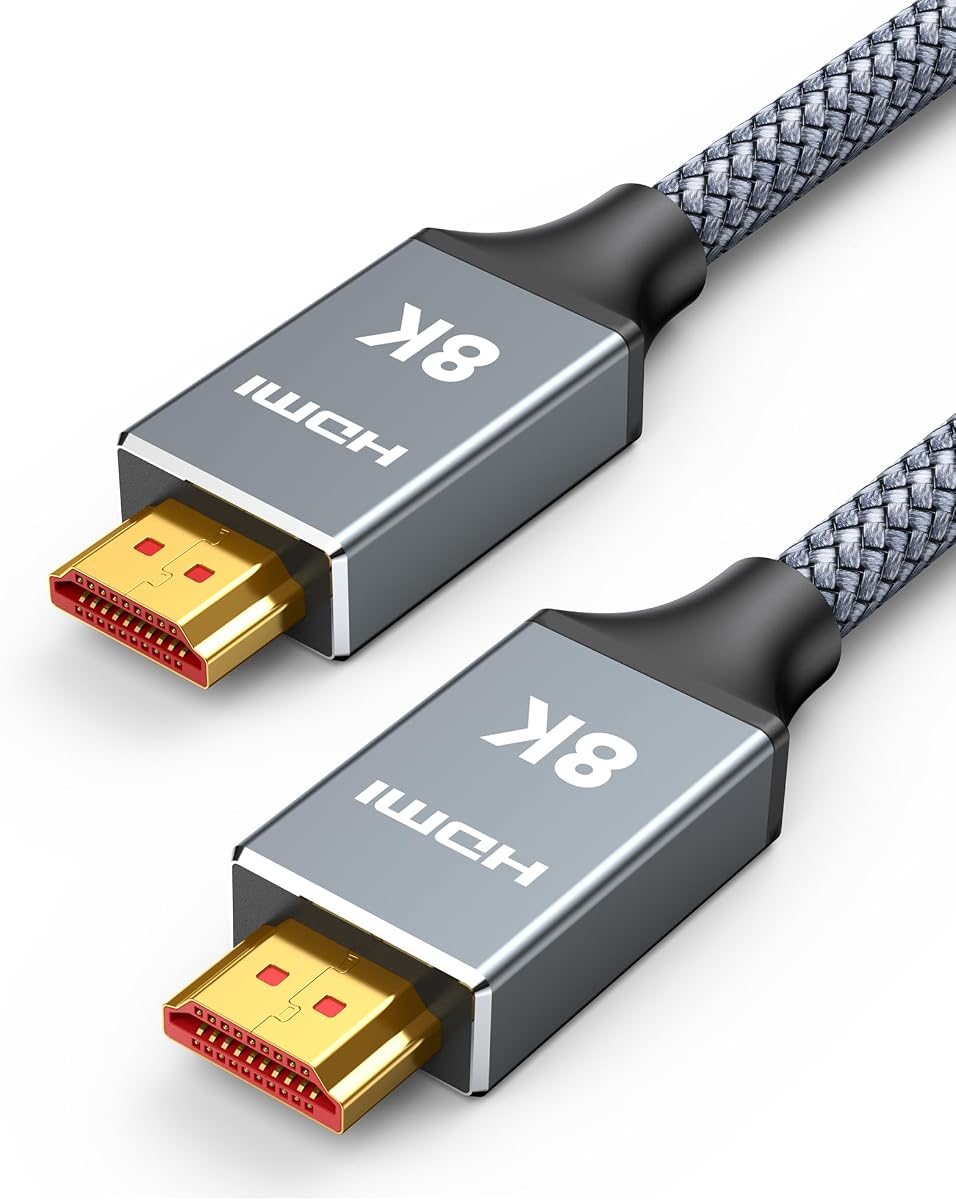


The Amazon Basics HDMI Cable stands out as a top choice for Fire TV Cube users seeking reliable performance. With a high rating from users, it delivers clear 4K video and handles everyday streaming tasks without issues.
We may earn a commission when you buy through this link, at no additional cost to you.
Its high-speed 18Gbps bandwidth ensures smooth playback for supported content. The cable supports Ethernet sharing and is compatible with a wide range of modern devices making it versatile for various setups.
While it lacks the latest 8K support the performance remains stable for current needs. The simple black design fits easily into entertainment centers without drawing attention or causing clutter.
This cable is an excellent choice for anyone needing a dependable connection for their Fire TV Cube. It balances cost and functionality perfectly for typical home theater requirements.
Delivers clear 4K video with minimal signal loss for most entertainment needs.
Works seamlessly with Fire TV Cube, gaming consoles, and modern TVs.
We may earn a commission when you buy through this link, at no additional cost to you.
The PowerBear 4K HDMI Cable offers a practical solution for users needing extra length. Its ten-foot reach allows flexible positioning of the Fire TV Cube without signal compromise or connection issues.
We may earn a commission when you buy through this link, at no additional cost to you.
Built with braided nylon and gold connectors this cable resists daily wear and tear effectively. The durable construction ensures long-lasting use while maintaining consistent signal quality over time.
Some users may find the cable slightly thicker than standard options but the trade-off provides better protection. The CL3 rating makes it suitable for in-wall installations where fire safety is a priority.
For those requiring a longer reach with durable construction this cable is an ideal pick. It combines practical length with robust materials for lasting performance.
Provides ten feet of reach for flexible device placement options.
CL3 rating allows safe installation inside walls for a cleaner look.
We may earn a commission when you buy through this link, at no additional cost to you.
Highwings HDMI Cable combines robust construction with modern video standards. It is rated highly for its ability to withstand frequent plugging and unplugging without performance degradation.
We may earn a commission when you buy through this link, at no additional cost to you.
The braided nylon exterior protects against tangling and physical damage. This design element ensures the cable remains in good condition even with regular movement during setup changes or rearrangements.
While it does not feature advanced gaming specs it handles HDR and 4K content well for everyday use. The SR joints add an extra layer of reliability for the connector points.
Users looking for a durable cable that resists daily wear should consider this option. It delivers consistent quality and remains a solid choice for long-term use.
SR joints prevent common cracking points at cable connections.
Compliant with HDMI 2.0 for HDR and full 4K support.
We may earn a commission when you buy through this link, at no additional cost to you.
This adapter is designed specifically for connecting modern streaming devices to older televisions. It provides a bridge between HDMI output and standard RCA inputs allowing continued use of legacy hardware.
We may earn a commission when you buy through this link, at no additional cost to you.
Installation is straightforward with the included cables and adapter. The device ensures compatibility with Fire TV Cube and similar media players for basic video playback.
Video quality is limited to standard definition which may not meet modern expectations. However it serves a crucial purpose for households with older TVs that lack HDMI ports.
Buyers needing a solution for older displays should find this converter useful. It extends the life of legacy televisions with minimal cost and setup effort.
Connects HDMI devices to older TVs with RCA inputs.
Includes all necessary cables for immediate use without extras.
We may earn a commission when you buy through this link, at no additional cost to you.
The iena HDMI Port Extender is a compact accessory that helps protect your TV's HDMI port. It adds a short extension that simplifies removal and installation of streaming devices like Fire TV Cube.
We may earn a commission when you buy through this link, at no additional cost to you.
By reducing direct stress on the TV port this cable helps prevent damage from frequent connection changes. It also allows slight repositioning for better airflow or signal stability.
While the cable is short it effectively serves its purpose as a port saver. It is an inexpensive way to maintain the longevity of your display's connection port.
This solution is ideal for users who frequently connect and disconnect HDMI devices. It offers practical protection without adding unnecessary bulk to the setup.
Extends the connection to reduce wear on the TV's internal port.
Short and bendable design fits easily behind most media centers.
We may earn a commission when you buy through this link, at no additional cost to you.
Capshi offers a high-performance HDMI 2.1 cable built to handle demanding video and gaming demands. With support for 8K and 4K at 120Hz it provides significant headroom for future devices.
We may earn a commission when you buy through this link, at no additional cost to you.
The cable includes features like VRR and ALLM which are beneficial for gaming consoles. Its nylon braided jacket ensures durability and the gold connectors resist corrosion effectively over time.
While Fire TV Cube does not utilize all these capabilities the cable remains fully compatible. It is a practical choice for those planning to upgrade their entertainment system soon.
Users seeking a cable that grows with their tech needs will find this appealing. It combines modern standards with practical pricing for a versatile addition.
Supports advanced gaming features and higher refresh rates.
Braided jacket and gold plating ensure long-lasting durability.
We may earn a commission when you buy through this link, at no additional cost to you.
This 2-pack from Silkland provides ample length and performance for multiple connections. It is designed to support high bandwidth needs while offering reliable connectivity for modern displays and devices.
We may earn a commission when you buy through this link, at no additional cost to you.
Each cable features dynamic HDR support and enhanced audio return for immersive entertainment. The braided design protects against interference and ensures stable signal transmission over long distances.
Having two cables simplifies upgrades or setups across different rooms. It eliminates the need to buy separate cables and ensures consistency in performance across all connections.
Buyers planning multi-room setups or replacements will benefit from this value pack. It offers premium features at a reasonable cost for home theater enthusiasts.
Provides two high-performance cables for comprehensive coverage.
48Gbps bandwidth ensures smooth high-resolution video and audio.
We may earn a commission when you buy through this link, at no additional cost to you.
With a length of 6.6 feet this 2-pack offers a balanced option for typical home setups. It meets HDMI 2.1 certification standards ensuring reliable performance for video and audio needs.
We may earn a commission when you buy through this link, at no additional cost to you.
The cables support high resolutions and refresh rates suitable for current and future devices. Their braided construction provides durability and resistance to daily wear and tugging.
Certified quality means each cable passes strict verification which can prevent connection issues. This reliability is valuable for users who want consistent performance without troubleshooting.
This option is suitable for those needing reliable cables without excessive length. It delivers essential features for a wide range of applications efficiently.
HDMI 2.1 certification ensures each cable meets performance standards.
6.6 feet provides enough reach for most entertainment center setups.
We may earn a commission when you buy through this link, at no additional cost to you.
This 3.3-foot 2-pack is ideal for setups where devices are placed close together. It reduces cable clutter and provides the necessary speed and reliability for 8K ready devices.
We may earn a commission when you buy through this link, at no additional cost to you.
The braided design ensures durability even in tight spaces where cables might bend frequently. It supports the latest HDMI standards including dynamic HDR and eARC for rich media experiences.
Shorter cables help organize connections neatly without excess slack visible in the setup. This is particularly useful for compact living spaces or minimalist furniture designs.
Buyers needing a tidy solution with modern features will appreciate this pack. It offers practicality and performance for short distance connections effectively.
Short length minimizes excess cable clutter for clean setups.
48Gbps speed supports high resolution and refresh rates.
We may earn a commission when you buy through this link, at no additional cost to you.
Rankie provides a straightforward 2-pack of HDMI cables suitable for many common uses. Each cable supports Ethernet and 4K resolutions offering practical connectivity for home entertainment.
We may earn a commission when you buy through this link, at no additional cost to you.
The cables meet HDMI 1.4 standards which cover most current video and audio needs. They are designed for reliability and ease of use without complicated features or setup.
While they may not support the latest HDMI 2.1 features they remain effective for streaming. This simplicity appeals to users seeking basic functionality at a low cost.
This is a solid option for users needing extra cables for other devices. It offers dependable performance without unnecessary specifications or complexity.
Handles essential video and audio connections without extra features.
Two cables in one package for versatile household usage.
We may earn a commission when you buy through this link, at no additional cost to you.
Selecting the right cable involves considering speed, length, and build quality. Each factor influences performance and convenience so understanding them helps make an informed choice.
Bandwidth determines how much data the cable can transmit at once. Higher speeds like 18Gbps or 48Gbps support advanced resolutions and refresh rates ensuring smooth playback.
Choose a cable with sufficient bandwidth for your current setup to avoid bottlenecks.
Length affects placement flexibility for your Fire TV Cube. Measure the distance between your TV and device carefully before purchasing.
Select a length that reaches comfortably without excessive slack to reduce clutter and tripping hazards.
Materials like braided nylon protect against physical damage and tangling. Strong connectors reduce the risk of loose connections and signal issues.
Invest in durable cables if you frequently move devices or have children and pets.
HDMI versions define feature support like 4K, HDR, and audio return. Newer versions enable faster data transfer and better multimedia experiences.
Ensure the cable matches your TV and device capabilities to utilize all features.
Features like ARC and eARC allow the cable to handle audio signals to external speakers. This simplifies setups by using a single connection for video and sound.
Prioritize cables with ARC if you have a soundbar or receiver for better audio.
Compatibility ensures the cable works seamlessly with your specific Fire TV Cube model. Verify support for necessary resolutions and protocols before buying.
Universal compatibility reduces issues and simplifies setup across devices.
Certified cables meet industry standards tested for performance and safety. Certification adds confidence that the product delivers on its promises.
Look for certified cables if reliability is a top priority for your home theater.
Price varies based on features and build quality. Higher costs often reflect durability and advanced capabilities but budget options exist.
Balance cost with your needs to find a cable that offers value over time.
Begin by plugging one end of the cable into the HDMI port on your Fire TV Cube. Then connect the other end to the HDMI input on your television or display device.
Ensure both connections are firm to avoid loose signal or intermittent issues. A secure fit ensures the data flows properly without disruptions or errors.
Protect your cable by avoiding sharp bends or tugging during plugging and unplugging. Proper handling extends the life of the cable and maintains consistent performance.
Any standard high-speed HDMI cable works for Fire TV Cube. For 4K content choose one supporting at least HDMI 2.0 to ensure full resolution.
Current Fire TV Cube models support HDMI 2.0 features like 4K and HDR. HDMI 2.1 is compatible but not fully utilized by this device.
Select a cable long enough to reach from your TV to the Cube without stretching. Six to ten feet suits most setups and helps reduce clutter.
Yes ARC enabled cables allow audio to return to receivers or soundbars. This feature simplifies audio setup without extra wires.
Braided cables offer extra durability and protection against wear and tear. They last longer especially in environments with frequent cable movement.
Fire TV Cube uses built-in Wi-Fi or Ethernet separately. HDMI Ethernet is optional but useful for other compatible devices.
Look for labels stating High Speed HDMI or HDMI 2.0 support. Also check for 18Gbps bandwidth for reliable 4K performance.
It is better to plug the Cube directly into a wall outlet or surge protector. Power strips can interfere with the power supply if low quality.
This guide reviewed ten top options ranging from budget to premium for Fire TV Cube users. Each selection balances performance and durability to meet diverse home entertainment needs.
Prioritize bandwidth and build quality to ensure smooth playback and long-lasting connections. Consider length and features like ARC based on your specific setup requirements.
Always verify current availability and compatibility before purchasing any cable. Checking details helps ensure you select the right match for your device and display.