
PS to HDMI Converter for PS1 / PS2
4.3Editor score
S-Video based conversion
Includes HDMI cable
Micro USB power included
Compare the top HDMI Adapter for PS1 options to connect classic consoles to modern TVs with accurate signal conversion and low latency gaming performance.
Finding the right HDMI Adapter for PS1 can transform your retro gaming experience by connecting classic consoles to modern displays. These devices convert analog signals to digital HDMI output ensuring compatibility with contemporary HDTVs and monitors.
We compared ten top-rated adapters based on signal quality compatibility ease of use and customer feedback. Each product was evaluated for its ability to handle PS1 and PS2 output formats while minimizing latency and visual artifacts.
Each pick highlights key features pros and cons to help you choose the best fit for your setup. Prices and availability change frequently so verify current details before purchasing to ensure you get the right adapter for your needs.
4.3Editor score

4.6Editor score

4.2Editor score
This side by side comparison highlights the key specifications and capabilities of each adapter to help you make an informed decision for your retro gaming setup.

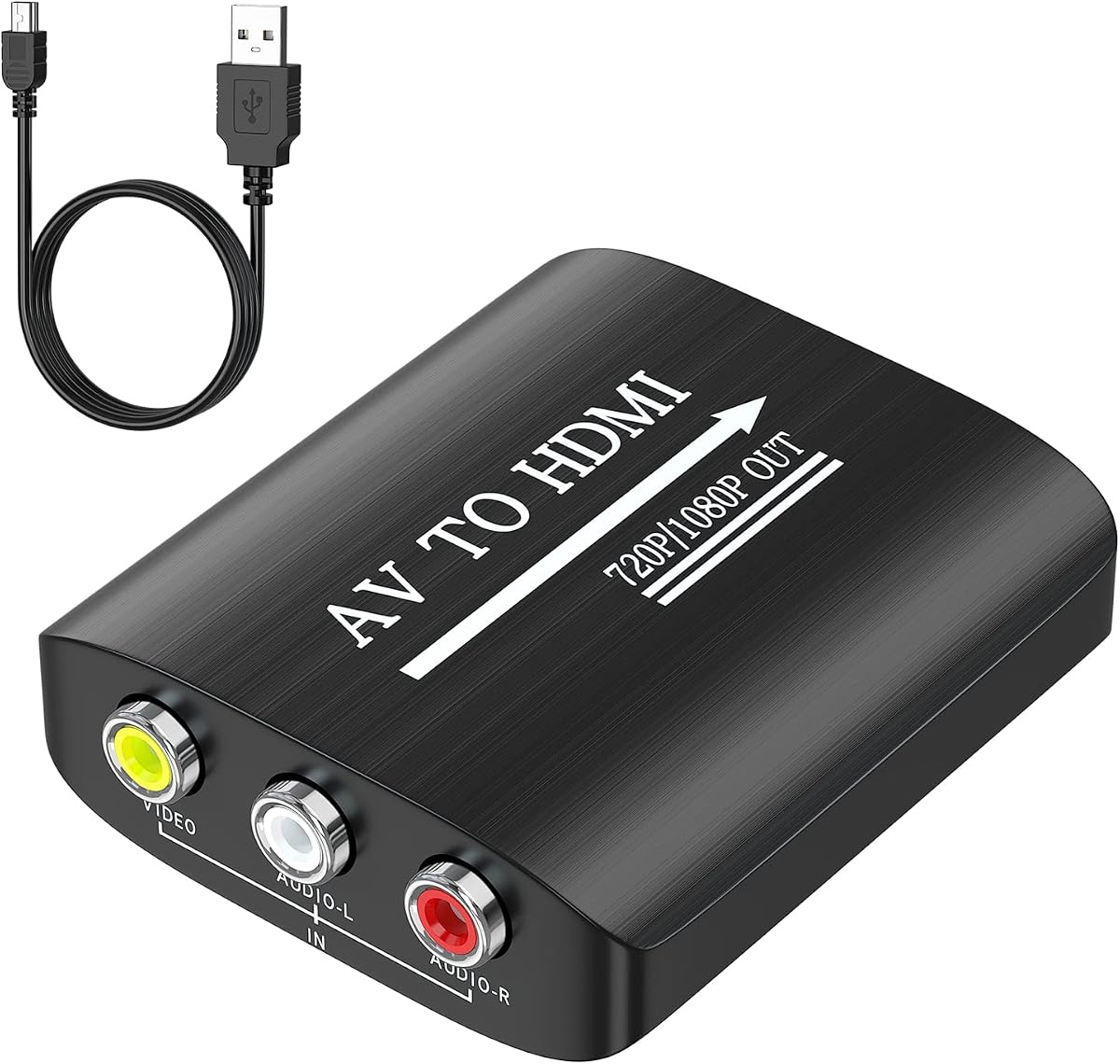


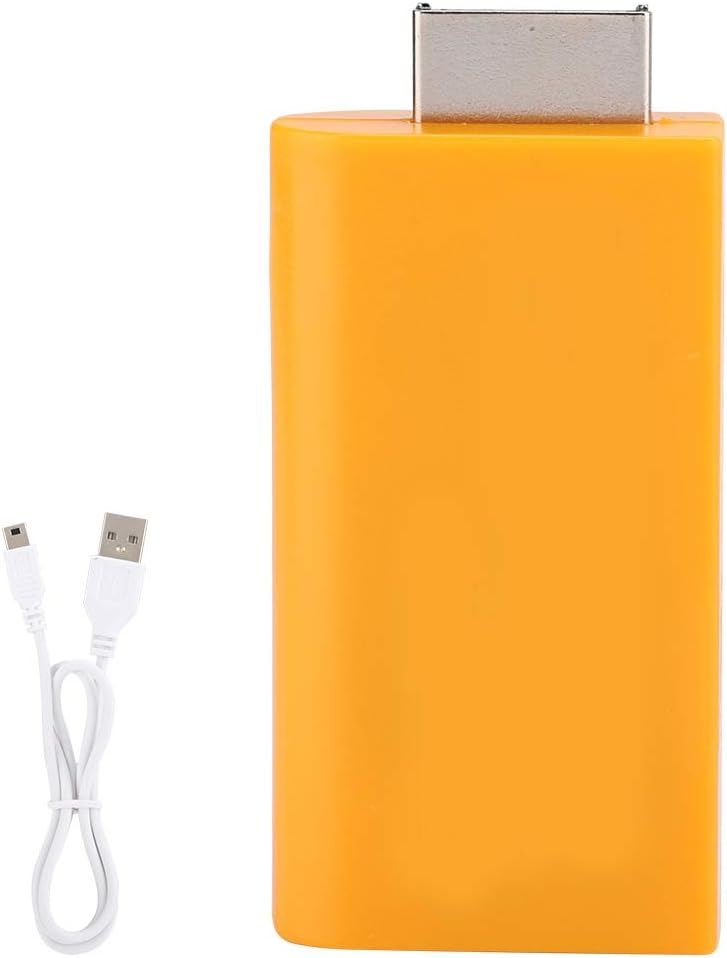

The HD Link HDMI Cable stands out as a top performer for retro gamers looking to connect their PS1 or PS2 to modern displays. With a strong rating of 4.6 out of 5 users praise its ability to deliver sharp and precise visuals without noticeable lag during gameplay.
We may earn a commission when you buy through this link, at no additional cost to you.
Its standout feature is the advanced upscaling technology that processes analog signals into crisp digital HDMI output. The included toggle switch allows seamless switching between 4:3 and 16:9 aspect ratios ensuring authentic retro proportions or widescreen convenience depending on your preference.
While the device requires external power via USB and the HDMI cable is not included in the package these trade-offs are minor compared to the performance benefits. The detachable design means you can extend your setup with high quality HDMI cables as needed.
If you want a reliable adapter that balances image quality and ease of use this is the ideal choice. It is perfect for players who value low latency and clear visuals when enjoying classic titles on contemporary HDTVs or projectors.
This adapter uses improved signal processing to boost color resolution and detail for a more immersive retro gaming experience.
The detachable port design allows you to pair it with any standard HDMI cable for extended reach without sacrificing signal integrity.
We may earn a commission when you buy through this link, at no additional cost to you.
This adapter offers a budget friendly solution for connecting PS1 and PS2 consoles to modern screens. It features S-Video based conversion which provides a cleaner signal path compared to standard composite video making it a strong value option.
We may earn a commission when you buy through this link, at no additional cost to you.
The package includes everything you need to start playing right away including a 1.5m HDMI cable and a Micro USB power cable. This all in one approach saves you from buying extra accessories separately.
While it is not an official Sony product the adapter delivers reliable performance for the price. Display quality depends on the console signal and display settings so you may need to tweak your TV inputs for the best result.
Ideal for casual gamers or those on a tight budget this converter simplifies the setup process. It works well with various displays and requires no driver installation making it accessible for all users.
You get a ready to use solution with HDMI and power cables included so you can begin gaming immediately after unboxing.
Using the S-Video Y/C signal from the AV Multi-Out port ensures better image quality than basic composite connections.
We may earn a commission when you buy through this link, at no additional cost to you.
The Kaico adapter is designed for users who prioritize video fidelity and reliability. It offers component cable quality display through HDMI ensuring that your PS1 or PS2 looks as good as possible on HD TVs.
We may earn a commission when you buy through this link, at no additional cost to you.
A key feature is the built in RGB to YPbPr switch allowing you to match the correct setting for your console. This flexibility ensures compatibility across different models and regions while maintaining optimal signal integrity.
Although it requires you to set your console to the correct video output mode this trade-off guarantees better image quality. The durable design and extensive warranty support add peace of mind for long term use.
If you want the best possible viewing experience and don mind mind adjusting settings this is the top choice. It supports all PlayStation output resolutions and includes a solid warranty for extra protection.
The component quality display delivers rich colors and sharp details that surpass standard composite or S-Video connections.
With twelve months of support and repair or replacement coverage you can rely on this adapter for consistent performance.
We may earn a commission when you buy through this link, at no additional cost to you.
This adapter is a straightforward tool for connecting PlayStation consoles to modern televisions. It focuses on true RGB signal output to maintain color accuracy without unnecessary processing steps.
We may earn a commission when you buy through this link, at no additional cost to you.
The device is compact and requires no drivers so you can connect it and start playing immediately. Its portability makes it easy to use at different setups or when traveling with your console.
It is important to note that the adapter transfers video signals but does not enhance the original quality. You also need to provide your own power source as the package only includes a micro cable.
For users who want a simple and effective connection without extra features this adapter works well. It is a solid choice for basic HDTV setups where true color reproduction is preferred.
Plug and play functionality ensures you can connect and start gaming without any complex configuration or driver downloads.
By supporting true RGB output it preserves the original color data from the console for more accurate visuals.
We may earn a commission when you buy through this link, at no additional cost to you.
The GINGIN converter is versatile enough to handle PS1 PS2 and many other retro consoles like N64 and SNES. It converts composite signals to HDMI at 720p or 1080p allowing you to use old devices on modern displays.
We may earn a commission when you buy through this link, at no additional cost to you.
It supports various TV formats including PAL and NTSC making it useful for international setups. The plug and play design means you do not need to install any extra software or drivers.
Keep in mind that the adapter works best when PS2 is set to RGB output. It does not enhance video quality so results depend on your console and display settings.
If you have multiple retro devices to connect this adapter offers great flexibility. It is an economical choice for households with various gaming systems needing HDMI output.
This adapter works with a wide range of systems including PS1 PS2 Xbox and DVD players for a unified setup.
Support for PAL NTSC and other standards ensures it works in most regions without signal issues.
We may earn a commission when you buy through this link, at no additional cost to you.
This adapter is designed to convert standard RCA inputs to HDMI11080p signals. It is straightforward to install and operates reliably for connecting older devices to modern TVs.
We may earn a commission when you buy through this link, at no additional cost to you.
The package includes an HDMI cable which simplifies the setup process. You just need to connect the power via USB and plug in your source device to start playing.
It supports a range of TV formats and consoles making it a flexible choice for many users. The one year warranty adds confidence in the product durability.
For those looking for a no fuss solution this adapter works well. It is not designed for 4K or 3D but it handles 1080p HD displays effectively.
Having the HDMI cable included means you do not need to buy an extra accessory to complete your connection.
The 1080p output ensures compatibility with most modern HD TVs and monitors without needing extra adjustments.
We may earn a commission when you buy through this link, at no additional cost to you.
This adapter focuses on delivering high quality digital HDMI output from your classic consoles. It upscales analog RGB and component signals to 1080P for a sharper image on modern screens.
We may earn a commission when you buy through this link, at no additional cost to you.
It supports multiple resolution modes including 240p and 480i ensuring compatibility across different games and regions. The built in switch lets you choose between RGB and Component modes easily.
Full digital format means there is no transmission loss which helps preserve the original visual integrity. This is a good choice for players who want better clarity without significant setup complexity.
For PS2 users ensure the correct video mode is set before connecting. This adapter is ideal for those seeking a reliable bridge between retro consoles and HD displays.
The full digital HDMI format ensures no loss in quality between the console and your TV screen.
Support for various classic resolutions allows you to play older games without signal compatibility issues.
We may earn a commission when you buy through this link, at no additional cost to you.
This adapter simplifies the connection process by working without manual video settings. It converts AV signals to HDMI output supporting 1080P 60Hz for smooth gaming on modern displays.
We may earn a commission when you buy through this link, at no additional cost to you.
The included aspect ratio button lets you toggle between classic 4:3 and widescreen 16:9 quickly. This feature helps maintain authentic proportions or adapt to your screen preferences.
It supports multiple video formats including PAL NTSC and SECAM which makes it versatile for different regions. The compact design makes it easy to carry for gaming sessions away from home.
For those who want a simple plug and play experience this adapter is well suited. Just note that you will need your own HDMI cable to complete the connection.
Unlike others this adapter works without changing console video output configurations saving time during setup.
The built in switch lets you choose between original retro proportions and modern widescreen formats instantly.
We may earn a commission when you buy through this link, at no additional cost to you.
This adapter is built with an anti interference design to maintain signal clarity during long gaming sessions. It uses tin plated connectors and tinned copper wires to resist oxidation and reduce signal loss.
We may earn a commission when you buy through this link, at no additional cost to you.
The compact and palm sized form factor makes it easy to store in a bag or drawer. This portability is useful if you move your console setup often or travel with it.
Setup is straightforward requiring no drivers so you can connect it and start playing right away. It is designed for basic conversion of audio video signals to HDMI for HDTVs or monitors.
If you need a small practical converter for occasional use this model fits the bill. Its focus on durability and portability makes it a good pick for mobile gaming setups.
The tin plated connectors and tinned wires help maintain a clear signal without interference or degradation over time.
Its small size makes it convenient to pack in a bag for gaming anywhere without taking up much space.
We may earn a commission when you buy through this link, at no additional cost to you.
This adapter allows you to connect PlayStation consoles to HDTVs without extra drivers or complex settings. It supports PS1 PS2 and PS3 making it a flexible tool for various Sony systems.
We may earn a commission when you buy through this link, at no additional cost to you.
A helpful feature is the 16:9 4:3 screen aspect ratio switch which lets you adjust the display to match your preferences. This ensures classic games look as intended or adapt to widescreen setups.
The RGB signal mode display ensures good color accuracy for your games. It is a portable and flexible option that fits easily into any home entertainment setup.
If you want a straightforward converter for basic signal transfer this adapter works well. It keeps things simple while providing the essential connection you need for modern TVs.
Compatible with PS1 PS2 and PS3 this adapter gives you one solution for multiple generations of PlayStation.
The aspect ratio switch helps you get the correct viewing mode for classic or modern screens without extra effort.
We may earn a commission when you buy through this link, at no additional cost to you.
Choosing the right adapter involves considering signal quality power needs and display compatibility to ensure the best retro gaming experience.
Different adapters use different methods to convert analog signals to digital HDMI. Some use S-Video while others support component or composite signals. S-Video based adapters generally offer cleaner image quality than standard composite ones.
Look for an adapter that supports the output mode your console uses to get the best possible picture quality without unnecessary signal loss.
Classic games were designed for 4:3 screens so many adapters include a switch to toggle between 4:3 and 16:9 modes. This ensures you can keep authentic proportions or use widescreen displays without stretching the image.
Choose an adapter with a clear aspect ratio button so you can adjust the display quickly without digging into menus.
Most adapters require external power via USB because HDMI does not supply enough power alone. Check if the package includes a USB power cable or if you need to source one separately.
Ensure you have a suitable USB power adapter to avoid connection issues or unstable video signals during use.
Not all adapters work with PS3 or other consoles so check the compatibility list before buying. Most support PS1 and PS2 but some may exclude certain models or regions.
Verify that the adapter supports your specific console model and video format to avoid setup problems later.
Low latency is crucial for responsive gameplay so look for adapters that advertise minimal or unnoticeable lag. High latency can make fast games feel sluggish and unplayable.
Prioritize models known for low latency to maintain the original feel of your classic games.
Some packages include an HDMI cable while others do not. Check what comes in the box so you do not need to buy extra accessories.
Having the HDMI cable included simplifies the setup and saves you money on additional purchases.
A good warranty can protect you from defective units or issues down the line. Look for products that offer at least a year of coverage.
Choose an adapter with reliable customer support to resolve any technical problems quickly if needed.
Prices range from budget to premium options so decide what features matter most to you. More expensive models may offer better build quality or additional switches.
Balance the cost with the features you need to get the best value for your specific gaming setup.
Connect the adapter to your console's AV or S-Video port using the provided cable. Ensure the connection is secure to avoid signal dropouts during gameplay.
Plug the USB power cable into the adapter and connect the other end to a 5V power source like a USB adapter or TV port. This powers the internal conversion circuitry.
Connect the HDMI cable to the adapter and your TV then select the correct HDMI input on your display. Adjust the aspect ratio switch if needed for the best view.
Yes most adapters designed for PS2 also support PS1 since they share similar output signals. However check the product specs to confirm compatibility with your specific console model.
No adapters convert the existing signal to HDMI but they do not enhance resolution or detail beyond what the console outputs. They prevent signal degradation during transfer.
This usually means the console is not outputting a supported signal. Check the adapter connections and ensure your TV input is set to the correct HDMI channel.
Any standard HDMI cable works for these adapters. Some packages include one so check what comes with your purchase before buying extras.
Most quality adapters have minimal latency but budget options may introduce slight delay. Look for reviews mentioning low lag if you play competitive games.
Yes adapters output HDMI signals that work on 4K TVs though the console still outputs SD resolution. The TV will upscale the signal internally.
The top picks offer a range of options from budget friendly converters to premium adapters with advanced features. Each provides reliable performance to connect your classic console to modern displays.
Prioritize signal quality and low latency to maintain an authentic gaming experience. Consider your display type and budget when selecting the right adapter for your setup.
Prices and availability vary so check current details before purchasing. With the right adapter you can enjoy your favorite PS1 games with improved convenience and compatibility.